Back to updates
Security

May 13, 2026

3 perc olvasás

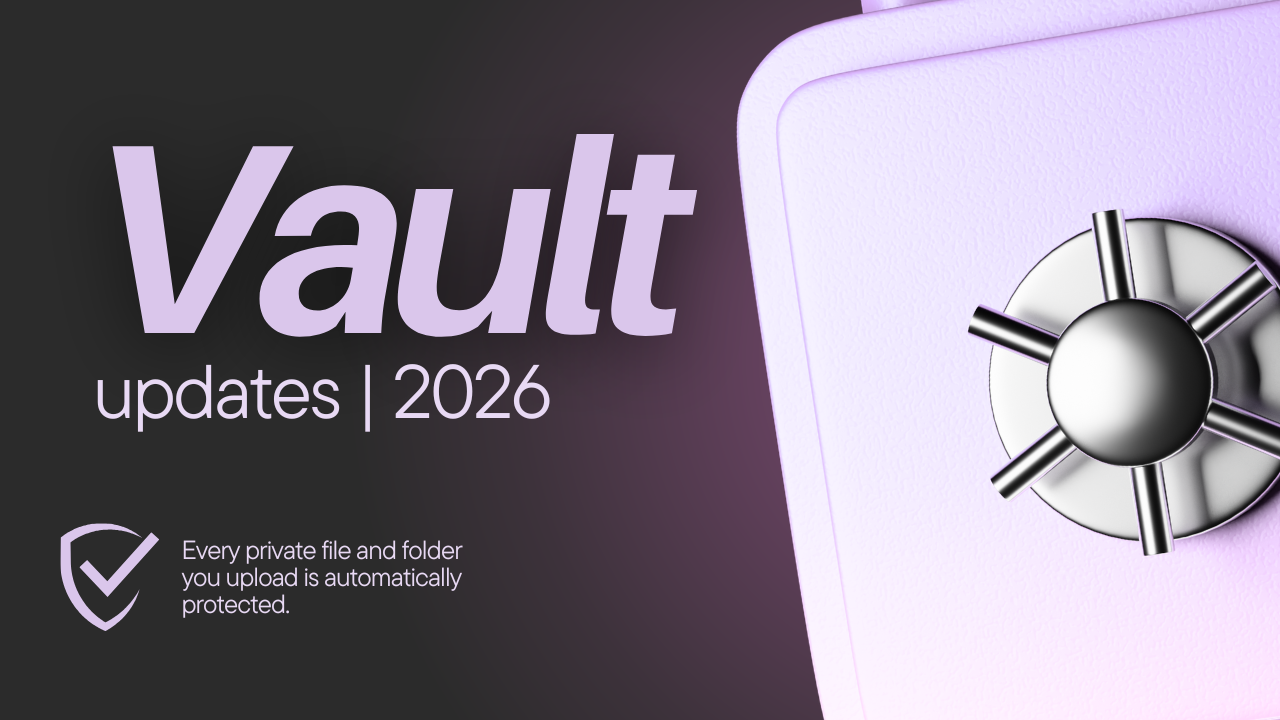
Vault Security Upgrade: Private Files Now Have Encrypted Metadata

From now on, every private file and folder you upload is automatically protected with industry-standard encryption for its metadata.

readytools

ReadyTools author
Vault Security Upgrade: Private Files Now Have Encrypted Metadata

We’ve just rolled out a major security improvement to the ReadyTools Vault.

From now on, every private file and folder you upload is automatically protected with industry-standard encryption for its metadata. (The file itself was already encrypted)

What changed?

  • When you upload a file as private (the default setting), both the file content and its metadata (filename, tags, folder path, MIME type, etc.) are immediately secured.
  • Your private data stays hidden even inside our database — no plain-text file names or folder structures are stored in a readable way when private.
  • This encryption kicks in automatically the moment you choose “private” during upload. No extra steps needed.

Private vs. Public — You Stay in Full Control

  • Private files: Encrypted metadata + stored in our secure private storage. Only you (and anyone you explicitly share with) can access them. The system requires your authenticated login and runs multiple security checks before any download.
  • Public files: These are intentionally made visible (for example, profile pictures or shareable links). When you decide to make a file public, the metadata is converted to plain format so the public page can display the name, preview, and other details efficiently. This is your choiceReadyTools never makes anything public without your explicit action.
  • Optimization note: Public files use a separate, optimized storage setup for faster access when sharing with the world. You’ll always see a clear warning before switching anything to public.

How Secure Is It Now?

This is a strong, production-grade security model designed for real-world use:

  • Private-by-default: Everything starts protected unless you choose otherwise.
  • Your private files and folders are shielded with server-side encryption and strict access controls.
  • File contents are further protected by our storage's built-in AES-256 encryption at rest and our isolated private storage.
  • Downloads use short-lived signed URLs, and we block dangerous file types on upload.
  • We separate private and public storage completely, and all operations require proper authentication and authorization checks.

Important transparency note: This is excellent server-controlled security — not zero-knowledge/end-to-end encryption. Our systems can technically manage your files (as with most cloud services like Google Drive or Dropbox), but we’ve built multiple strong layers so that even in the unlikely event of a breach, your private data remains extremely well protected.

We believe in being honest about what we protect and how. This upgrade brings the Vault to a level that is more secure than most custom or small-team file storage solutions, while keeping it simple and fast for everyday use.

Thanks for trusting ReadyTools with your files. Your privacy and security are our top priority, and we’ll keep improving the Vault based on your feedback.

Questions or suggestions? Please send us an email, or message us on a social media platform.

— The ReadyTools Team May 13, 2026

Release summary


Type

Security

Date

May 13, 2026

Reading time

3 perc olvasás

View all updates

More product updates

Explore more recent ReadyTools changes.

View all updates

Top eszközök

BoardlyLinksyChromoCodeHub

ReadyTools

KarrierKapcsolatEszközök
Árak7 nap ingyen
ÚtmutatókDocsBlogUpdatesLaraVault

Nyelv kiválasztása

Téma beállítása

© 2026 ReadyTools. Minden jog fenntartva.