Why a Single Link Is No Longer Enough in 2026
Social media platforms give you one precious spot in your bio. One link. One chance to turn a scroll into a connection.
Yet most beginners still point that single link to their Instagram profile, a generic homepage, or a plain list of links. The result? Lost opportunities, confused visitors, and slower growth.
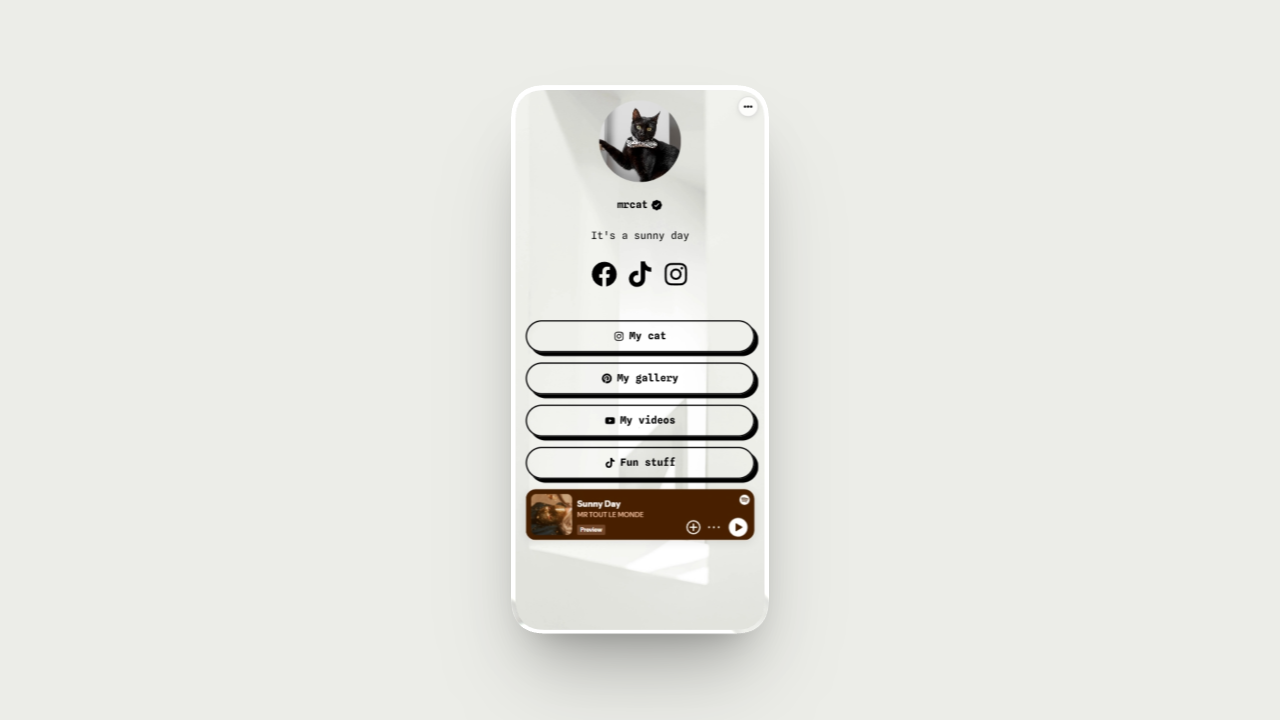
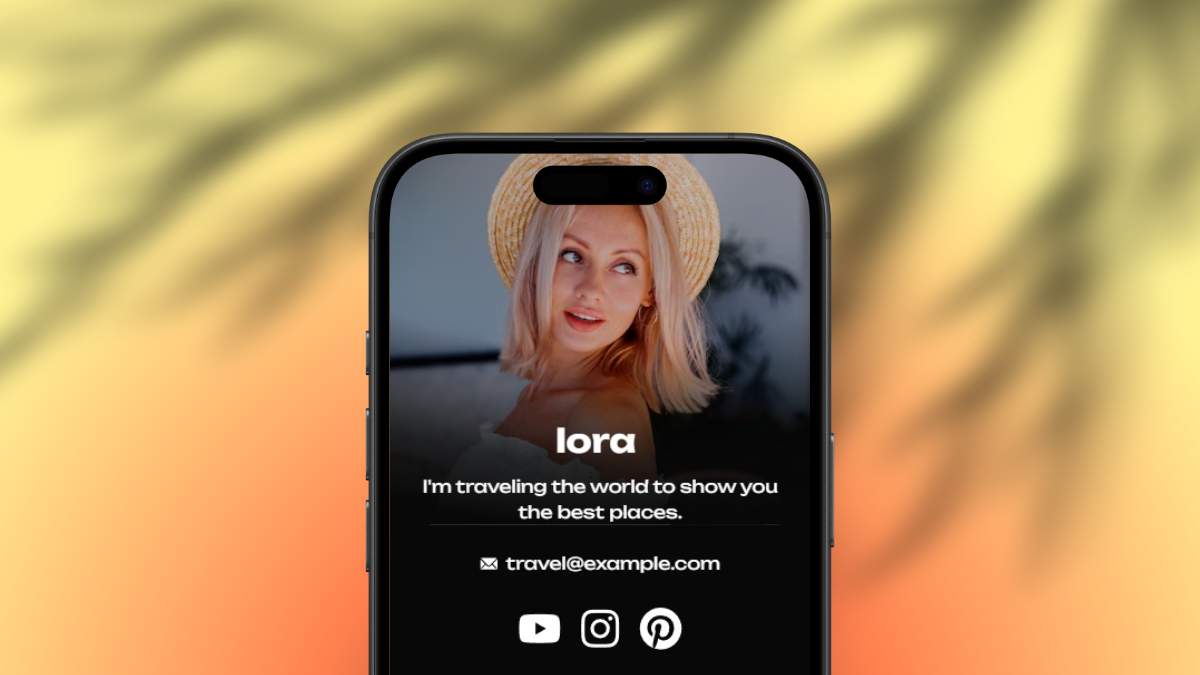
A dedicated microsite changes everything. It becomes your digital headquarters — a beautiful, branded page where followers discover who you are, what you offer, and exactly what to do next. No more scattered profiles. Just one powerful destination that works 24/7.
At ReadyTools, we built Linksy exactly for this moment. It turns that one bio link into a full microsite packed with dynamic modules, real analytics, and design freedom — all while staying lightning fast and fully yours.
What Is a Personal Microsite (and Why It Beats a Basic Link-in-Bio)
A microsite is more than a fancy link page. It’s a mini website optimized for mobile, built to convert, and completely under your control.
Key advantages when growing on social media:
- Brand control — Match your colors, fonts, and vibe perfectly instead of settling for templates.
- Rich content — Embed videos, music, maps, timelines, galleries, and more without forcing clicks away.
- Better conversions — Clear calls-to-action, product showcases, countdowns, and reviews guide visitors toward your goals.
- Ownership — Your audience lives on platforms you don’t own. A microsite gives you a space you control and can take with you anywhere.
- SEO & sharing power — Custom OG images make every share look professional and clickable.
Creators, coaches, artists, and small businesses who use a proper microsite consistently report higher engagement, more email sign-ups, and stronger sales funnels.
Here’s exactly how to set this up, even if you’re starting from zero.
1. Define Your Core Message and Goals
Before building anything, answer these questions:
- Who are you and what makes you unique?
- What’s your main goal right now? (Grow audience, sell a product/service, build email list, book clients, etc.)
- What 3–5 things do you want every visitor to see or do?
Write a short bio paragraph and pick your top offers or links. This becomes the foundation of your microsite.
2. Choose the Right Tool
Skip the rigid, limited free tools that hide the best features behind paywalls. Look for:
- Unlimited links on the free plan
- Full custom design (colors, fonts, backgrounds)
- Dynamic modules (not just static links)
- Built-in analytics
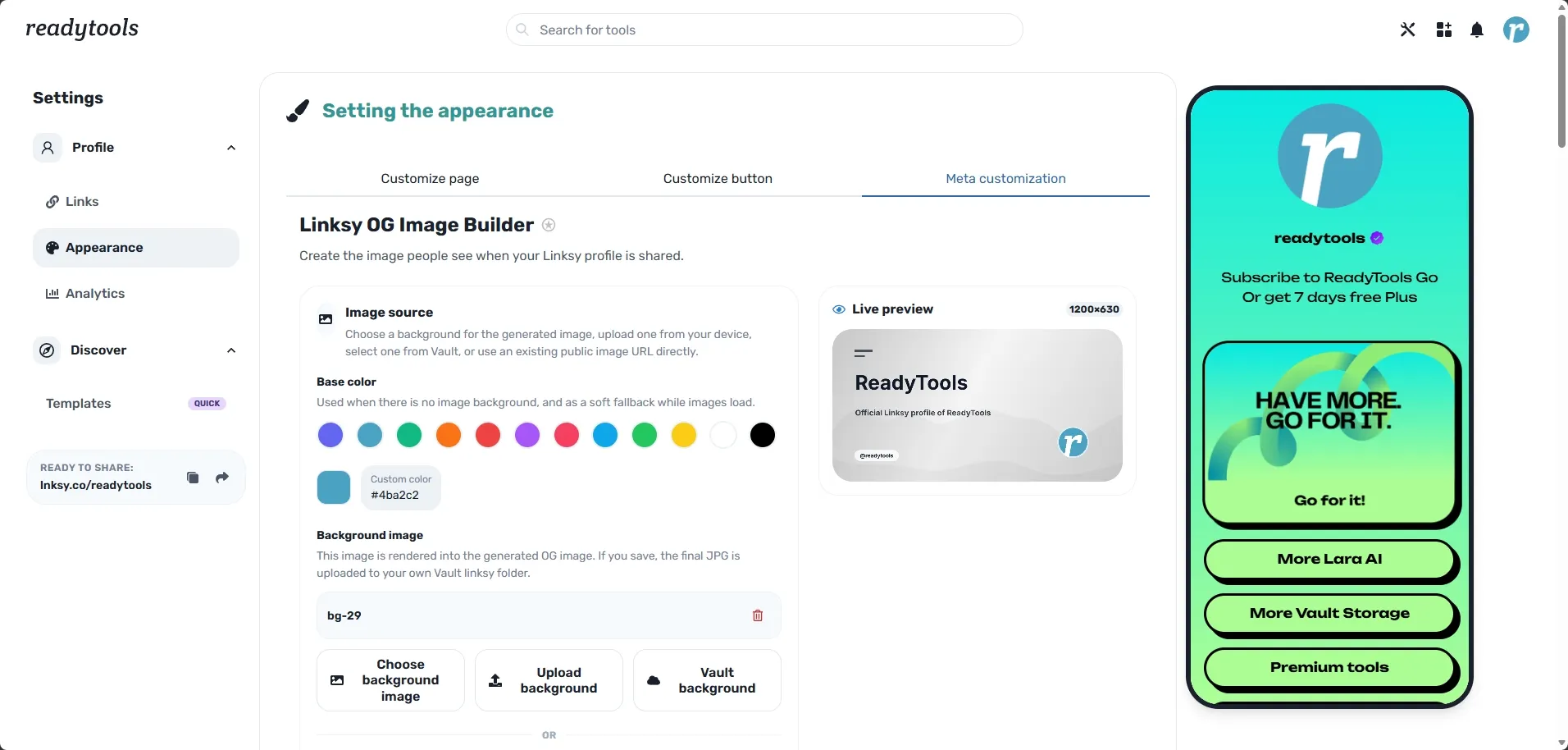
- Custom OG image creator for better shares
Linksy from ReadyTools checks every box — and integrates with the full ReadyTools ecosystem (Lara AI for copy, Vault for files, etc.).
3. Set Up Your Microsite in Minutes
- Go to readytools.co/linksy and sign up (free, no credit card needed).
- Claim your username — your page lives at lnksy.co/yourname.
- Pick a template or start blank.
- Add your profile photo, hero section, and bio text.
- Drag in modules: YouTube/Spotify embeds, image gallery, timeline, map, countdown, products, reviews, FAQ, and more.
4. Design It to Convert
- Use your brand colors (Chromo inside ReadyTools helps generate perfect palettes).
- Add a striking background or Hero Profile Frame.
- Place your strongest call-to-action near the top.
- Keep text short and scannable — people browse on phones.
- Create a custom OG image with Linksy’s new builder so every share looks premium.
5. Connect It Everywhere
Update your bio on Instagram, TikTok, YouTube, X, Threads, LinkedIn, and wherever you post. Use a clear, benefit-driven call like: “Discover my work, latest videos & offers →”
Add your Linksy QR code to physical products, business cards, or live events.
6. Track, Learn, and Improve
With Linksy’s analytics you can see:
- Best time to post based on your audience
- Click quality and loyalty metrics
- Scroll depth and heatmaps
- Geographic insights and real-time activity
Use the data to refine your page and content strategy over time.
- Keep it fresh — Update featured content weekly. Linksy makes this effortless.
- Mix content types — Combine links, embeds, and interactive modules so visitors stay longer.
- Use Lara AI — Need compelling button text or bio copy? Ask ReadyTools’ Lara AI to help in seconds.
- Test and iterate — Try different layouts and track what gets more clicks.
- Stay authentic — Your microsite should feel like an extension of your personality, not a sales page.
Real Results Creators Are Seeing
Users who switch to a proper microsite often see:
- Higher click-through rates from social bios
- More time spent on their page (thanks to rich embeds)
- Better audience understanding through analytics
- Professional appearance that builds instant trust
All of this compounds: better first impression → more engagement → faster growth.
Ready to Build Your Microsite?
You don’t need coding skills, design experience, or a big budget. You just need the right tool and a clear plan.
Linksy gives you everything — unlimited links and design freedom for free, powerful modules and analytics when you’re ready to scale, plus the full ReadyTools platform (185+ tools, Lara AI, secure Vault, and more) under one subscription.
Ready to try it yourself? Start building your Linksy microsite for free at readytools.co/linksy.
Want the complete toolkit? Claim your 7-day free Plus trial and unlock everything ReadyTools has to offer — no risk, just results.
Work smarter, not harder. Your audience (and your future self) will thank you. 🚀
Explore all 185+ tools at readytools.co.