Free link in bio tool with full design control: why Linksy beats Linktree and Beacons
Most people start with Linktree because it’s the name everyone knows. Then they try Beacons when they want more selling features. After a while a lot of them hit the same wall. The free plan looks limited, the design options feel locked, the analytics stay basic, and you end up paying for things that should just work.
That’s the gap we filled with Linksy, the link-in-bio tool inside ReadyTools.
Here’s a straightforward look at why it works better for creators, freelancers and small businesses who want something free (or cheap) that still feels complete.
Full design freedom without paying first
A common complaint about Linktree is that real customization sits behind a paywall. Want better buttons, custom backgrounds, or a page that doesn’t look like every other one? You often need to upgrade.
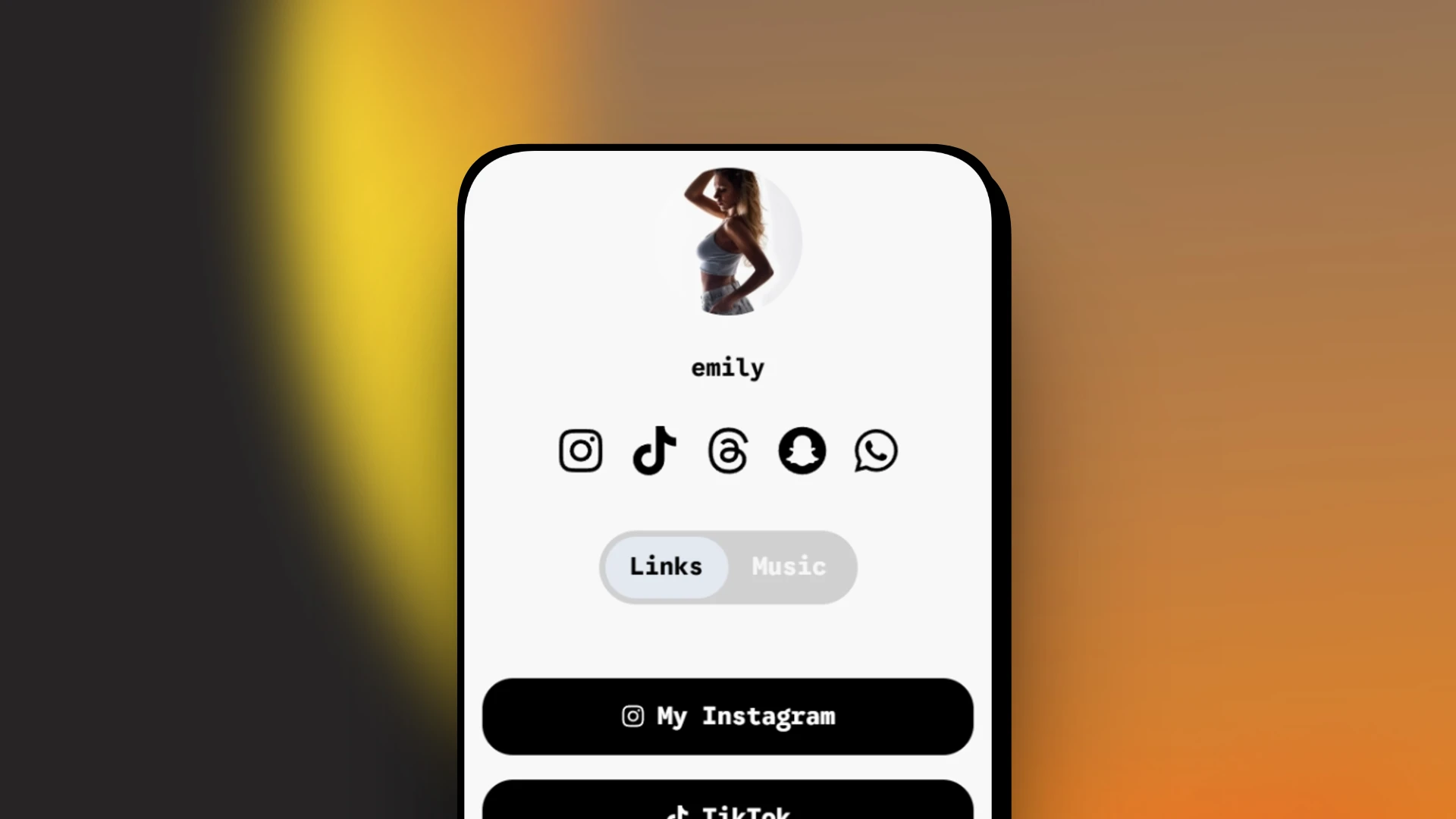
Linksy gives you the full design editor on the free plan. You can change colors, fonts, buttons and backgrounds right away. There’s a free background crop tool so you can upload any image and frame it properly for mobile. Templates exist if you want a fast start, but you can edit everything after applying one.
This is one of the main reasons people search for a free link in bio tool with full design control. Linksy actually delivers it.
More than a list of links
Linktree stays mostly a stack of buttons. Beacons adds store and email tools, which is useful if selling is your main goal. Linksy goes further with interactive modules you can drop on the page.
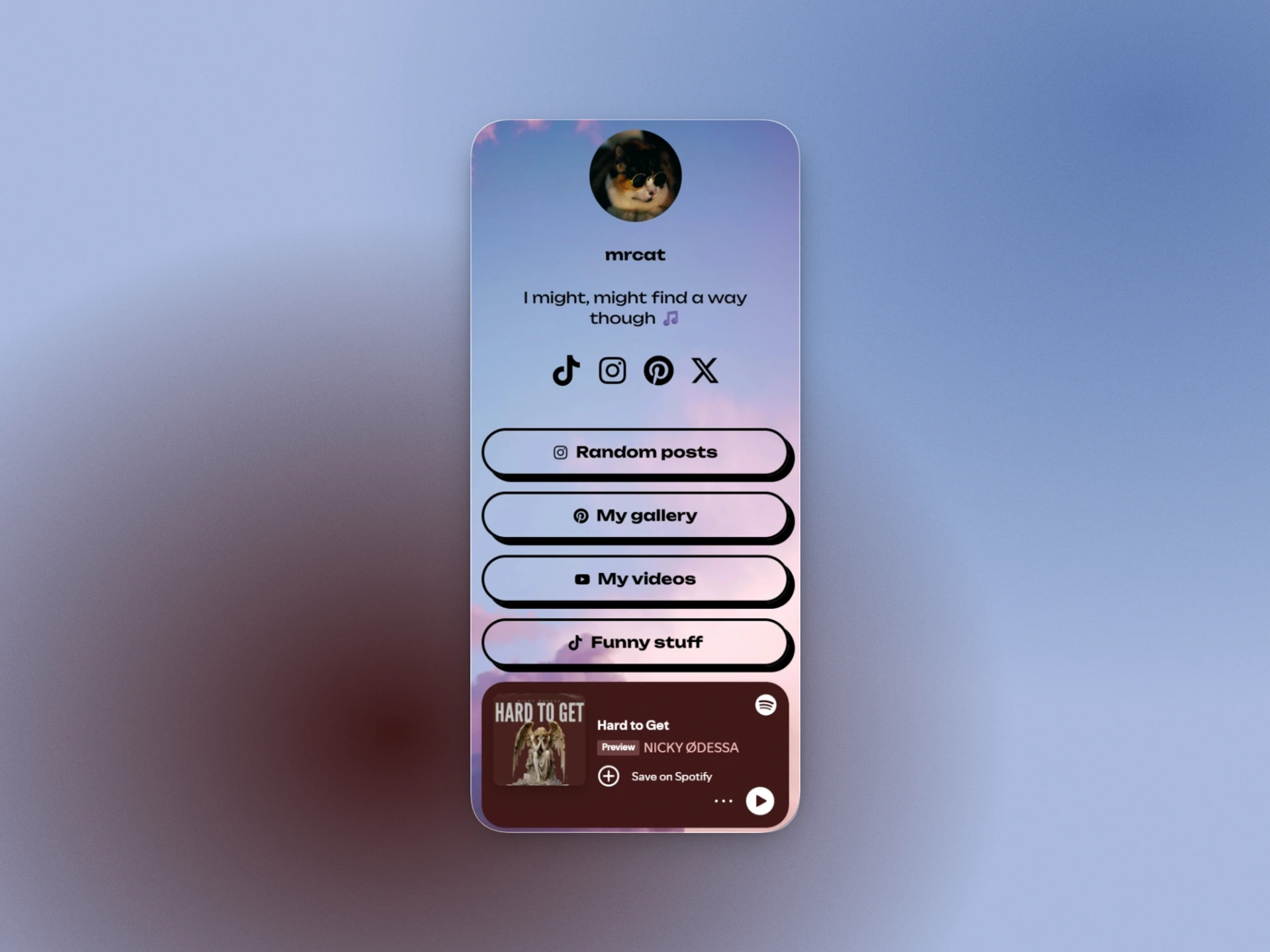
You get live YouTube and Spotify players, countdown timers, maps, product sections, image galleries, FAQ blocks, statistics, features lists and more. Core ones work free. Higher plans unlock extra ones plus business tools like bookings and forms.
The page stops feeling like a menu and starts feeling like a small site that keeps people around longer.
Analytics that tell you something useful
Basic click counts are everywhere. Linksy goes deeper with heatmaps, scroll depth, geographic data, device breakdown, unique visitors and a “best time to post” insight based on your own traffic.
You can see which links actually perform and when your audience shows up. That kind of detail usually sits behind paid tiers elsewhere.
This is the part most standalone tools miss. Linksy is part of ReadyTools. One account also gives you an AI assistant, file storage, project boards, notes and a bunch of other practical tools. You don’t need five different subscriptions for everyday work.
If you’re already paying for a link tool, notes, AI and storage, the total adds up fast. ReadyTools bundles a lot of that together.
Pricing that stays simple
Free plan: unlimited links, full design editor, core embeds, basic stats and a lnksy.co username.
Go plan starts at $6.99 a month for more modules.
Plus and Max open the rest of the platform and higher limits.
New accounts get 7 days of Plus free so you can test the advanced stuff without commitment.
Who this is for
If you just need a quick list of links and brand recognition matters more than features, Linktree still works. If your main focus is selling digital products and email lists, Beacons is strong.
If you want a free link in bio tool with real design freedom, interactive modules, useful analytics and a bunch of other tools under one roof, Linksy is the clearer choice.
You can set one up in a couple of minutes at readytools.co/linksy. Claim a username, add your links, play with the design, and see how it feels.
No complicated setup. No forced upgrades just to make the page look decent. Just a clean page that actually works for you.
Build your own profile, start for free: Linksy