July 25, 2026
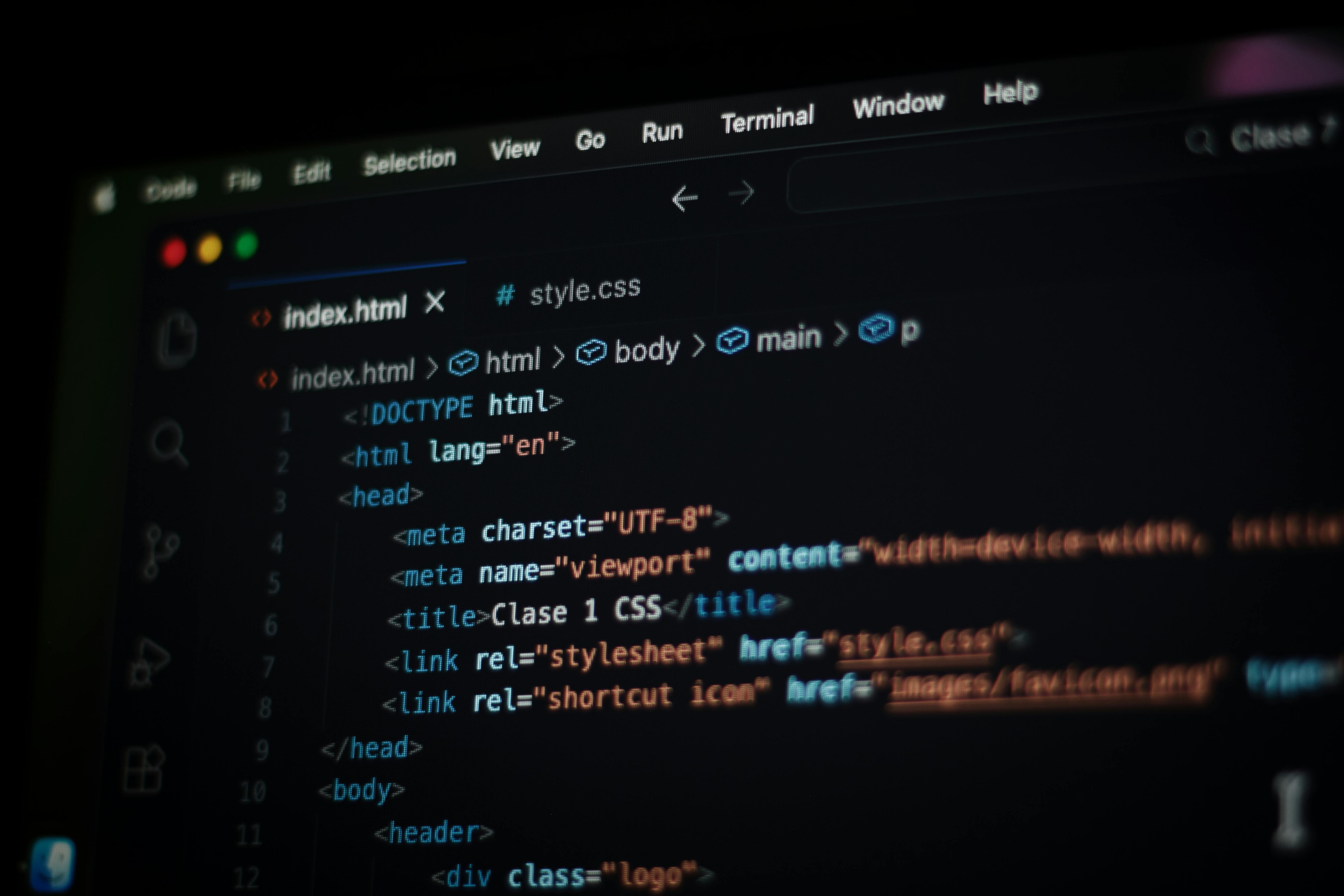
10 HTML Tricks Experts Use That You Can Start Using Today
Discover ten lesser-known HTML features that solve real problems without JavaScript. From native modals to semantic progress indicators, these patterns...
Artikel lesen
Blog-Artikel
Plus and Max subscribers can now style every module on their Linksy page with backgrounds, borders, shadows, glass effects, and a one-click button style...
readytools
July 22, 2026
2 Min. Lesezeit
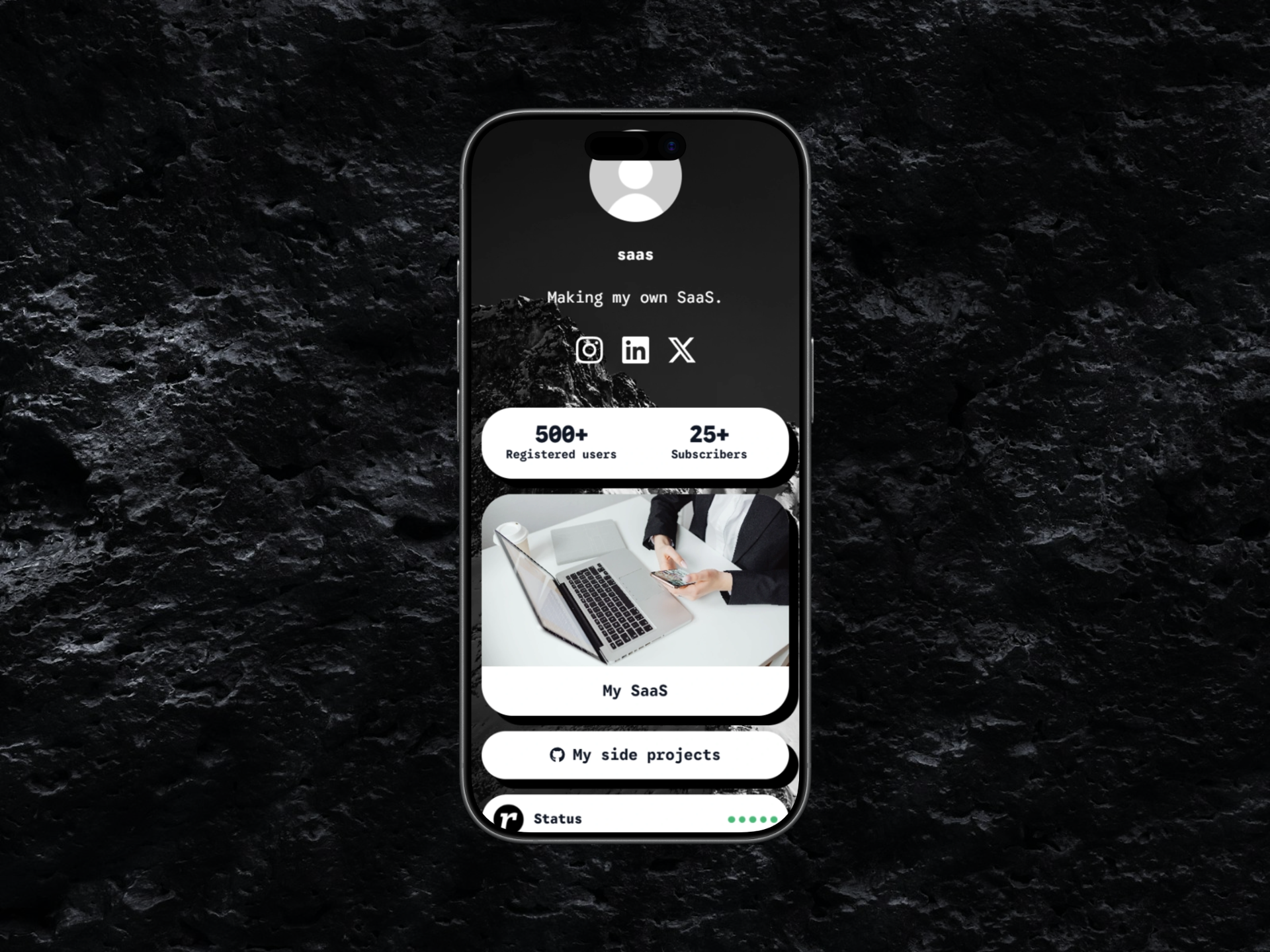
Image source: cloud.readytools.co
Teilen
Linksy modules used to share a single, uneditable look. That limitation is gone for Plus and Max subscribers.
Starting today, the Appearance page includes a complete set of visual controls for every supported module. You can adjust background and text colors, borders and border styles, corner radius, shadows, transparent and glass effects, and page font usage. The module preset system mirrors the button preset order, so the same design language applies across the entire page without manual rebuilding.
A new Copy button style option transfers the current appearance of your Linksy buttons directly to your modules. The transfer covers backgrounds and gradients, transparency, glass blur effects, borders, border radius, shadows, outlines, and other supported visual effects. Text formatting and button-specific layout settings are intentionally excluded so modules keep their own readable structure while matching the overall design. You can also copy the page font separately if you only need typography consistency.
Previous glass styles often flattened to a transparent background. The updated implementation preserves the full effect: layered transparent gradients, backdrop blur with Safari and iPhone support, semi-transparent borders, inset highlights, and multi-layer shadows. The result renders consistently in both the editor preview and the published Linksy page.
The editor now ships with a much larger collection of color styles, border styles, shapes, and shadow effects. Border, shape, color, and shadow controls use the same options as the Linksy button editor, making both systems predictable and consistent. Free and Go users continue to use modules with their standard appearance, while Plus and Max unlock the complete customization toolkit.
If you want to see how the updated modules work inside a full link-in-bio page, explore the ReadyTools Linksy editor and try the new Appearance controls yourself.
Entdecke ReadyTools: die ultimative Produktivitätssuite für Creator. Wunderschöne Linksy-Seiten, smarte Lara-KI, Projektmanagement, sicherer Cloud-Speicher und alles andere, was du brauchst – vereint an einem Ort. Starte noch heute deine 7-tägige kostenlose Testphase.
ReadyTools erkundenWeiterlesen
July 25, 2026
Discover ten lesser-known HTML features that solve real problems without JavaScript. From native modals to semantic progress indicators, these patterns...
Artikel lesen
July 24, 2026
The new Boards block brings Kanban-style project management directly into Workspace pages, supporting hundreds of cards, nested content, and full...
Artikel lesen
July 23, 2026
From synchronization engines to suggestion modes, the July 14-21 updates show what happens when a collaborative editor invests in the layers users rarely..
Artikel lesen