The Best HTML Tricks of 2026 – Features You Should Be Using As Of Right Now
1/10/2026
3 min read
Share
It''s January 2026 and HTML keeps getting more powerful every year. Modern browsers (especially 2024–2025 releases) now support many features that dramatically reduce the amount of JavaScript we need to write for common UI patterns.
Here are the most practical and "wow" HTML-only (or almost-only) techniques that good teams are actively using in production in early 2026:
1. Popover + popovertarget – The new king of floating UI
<button popovertarget="user-menu">Account</button>

<div popover id="user-menu" class="floating-menu">
  <a href="/profile">Profile</a>
  <a href="/settings">Settings</a>
  <button popovertarget="user-menu" popovertargetaction="hide">Close</button>
</div>
2026 power moves:
- popover="auto" (closes on outside click / ESC)
- popover="manual" (you control everything)
- Multiple independent popovers without z-index wars
- ::backdrop styling
- top-layer behavior (always above everything else)
- Excellent focus management & accessibility out of the box
2. Native grouped accordions with name attribute on <details>
<details name="faq-group">
  <summary>Can I use this in 2026?</summary>
  <p>Yes – 96%+ global coverage (Jan 2026)</p>
</details>

<details name="faq-group">
  <summary>Is it only one open at a time?</summary>
  <p>Yes – when they share the same name!</p>
</details>

<details name="faq-group">
  <summary>What about multiple independent groups?</summary>
  <p>Just use different name values 😎</p>
</details>
3. <select> + list + <datalist> + autocomplete="on" renaissance
Modern combo-box / autocomplete without any library:
<input type="text" list="frameworks" placeholder="Pick a framework…" autocomplete="on">

<datalist id="frameworks">
  <option value="React">React 19 / Next.js 15</option>
  <option value="Vue">Vue 3.5 + Vapor Mode</option>
  <option value="Svelte">Svelte 5 runes everywhere</option>
  <option value="Solid">SolidStart 1.0</option>
  <option value="Astro">Astro 5 islands</option>
  <option value="Qwik">Qwik City resumability</option>
</datalist>
4. <dialog> is finally good (really good) in 2026
<dialog id="welcome">
  <article>
    <h2>Welcome to 2026! 🎉</h2>
    <p>This dialog was opened with <code>showModal()</code></p>

    <form method="dialog">
      <button value="cancel">Cancel</button>
      <button value="ok" autofocus>Got it!</button>
    </form>
  </article>
</dialog>
Current hot patterns:
- ::backdrop + backdrop-filter: blur(8px)
- Multiple nested <dialog> elements
- form method="dialog" + value for easy result handling
- cancel event + close event
5. Container queries + style queries – the real layout revolution
@container (inline-size > 420px) {
  .card-grid {
    grid-template-columns: repeat(3, 1fr);
  }
}

@container style(--theme: dark) {
  .card {
    background: #1a1a1a;
    color: #eee;
  }
}<div class="card" style="--theme: dark">
<!-- will use dark styles automatically -->
</div>Quick comparison table – January 2026 adoption (rough estimate)
| Feature | Chrome/Edge | Firefox | Safari | Global % | Recommendation |
|---|---|---|---|---|---|
| popover attribute | 114+ | 126+ | 17.2+ | ~95–97% | ★★★★★ Use now |
<details name="…"> grouping |
120+ | 127+ | 17.4+ | ~94% | ★★★★☆ Very nice |
| Container style queries | 105+ | 110+ | 16+ | ~96% | ★★★★★ Production |
dialog + ::backdrop filter |
76+ | 98+ | 15.4+ | 97%+ | ★★★★☆ |
anchor positioning (position-anchor) |
125+ | — | — | ~70–75% | ★★☆☆☆ Wait 2026 H2 |
Which of these features surprised you the most? Which one are you planning to use in your next project? 🚀
Happy coding in 2026!
Cover Image Source: ReadyTools
Enjoyed the article?
Discover the best tools from ReadyTools to streamline your daily work! Social media, SEO, design, and dev – all in one place, under one profile.
Try for freeTable of Contents
Related Posts

Unlocking HTML Secrets: 15 Essential and Lesser-Known HTML Tricks Every Web Developer Should Know in 2026
1/10/2026
Discover 15 essential & hidden HTML tricks for 2026: native accordions, dialogs, responsive images, accessibility hacks & more. Level up your web dev skill
What Is HEX and Why It Matters More Than You Think
1/9/2026
Compared to RGB or HSL, HEX is faster to work with in code and design tools. It is short, unambiguous, and universal.
Chromo: Turning One Color into a Complete System
1/3/2026
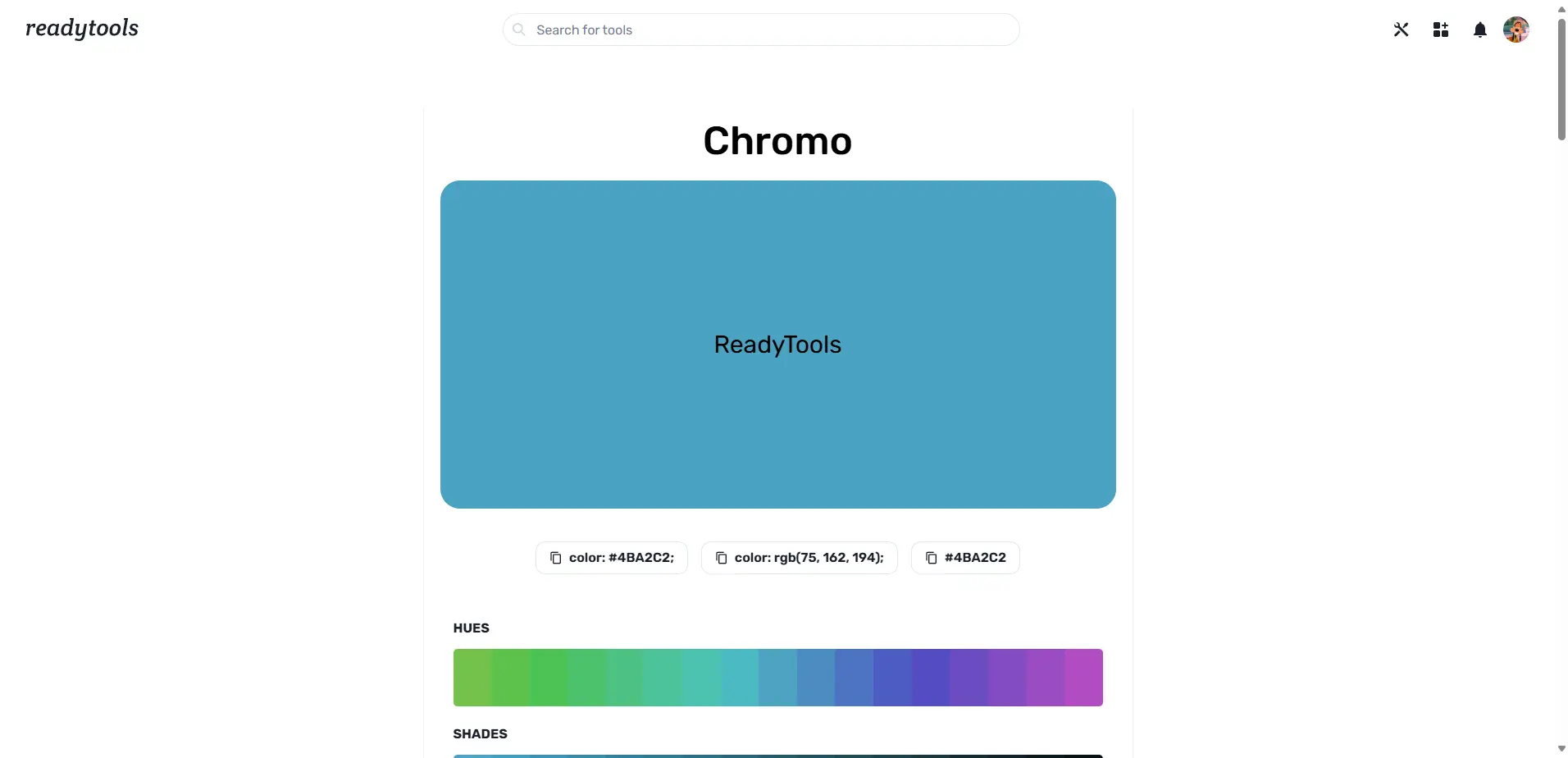
Chromo turns a single HEX color into palettes, formats, accessibility checks, psychology, gradients, and code for design and development.