Unlocking HTML Secrets: 15 Essential and Lesser-Known HTML Tricks Every Web Developer Should Know in 2026
1/10/2026
4 min read

Share
HTML is the backbone of web development, and even in 2026 with HTML5 and the Living Standard evolving steadily, there are still plenty of HTML tricks, HTML tips, and hidden HTML features that can make your code cleaner, faster, more accessible, and more powerful. Whether you're a beginner brushing up on basic HTML techniques or an experienced developer hunting for advanced HTML hacks, this post covers both well-known and lesser-known HTML tricks that will level up your projects.
From semantic HTML best practices to HTML5 hidden gems, responsive image tricks, accessibility boosts, and performance optimizations—these are practical web development tips you can use today.
1. Native Accordions with <details> and <summary> (No JavaScript Needed)
One of the most underused HTML5 features is the <details> element. It creates a disclosure widget (accordion) natively.
<details>
  <summary>Click to expand: What is the meaning of life?</summary>
  <p>42, according to Douglas Adams.</p>
</details>
Why it's great: Zero JavaScript, fully accessible, and keyboard-navigable. Perfect for FAQs, sidebars, or progressive disclosure.
2. Force File Downloads with the download Attribute
Everyone knows <a href="file.pdf">Download</a>, but adding the download attribute forces a download instead of navigation.
<a href="resume.pdf" download="John-Doe-Resume-2026.pdf">Download My Resume</a>Pro tip: You can even suggest a custom filename. Works cross-origin in modern browsers.
3. Responsive Images Done Right with <picture> and srcset
Stop serving oversized images on mobile. Use the <picture> element for art direction and srcset for resolution switching.
<picture>
  <source media="(min-width: 800px)" srcset="large.jpg">
  <source media="(min-width: 400px)" srcset="medium.jpg">
  <img src="small.jpg" alt="Responsive example">
</picture>
Combine with srcset and sizes for even finer control. This is essential responsive web design HTML.
4. Make Anything Editable with contenteditable
Turn any element into a live editor:
<div contenteditable="true" aria-label="Editable content">
  Click here and start typing!
</div>
Great for simple rich-text prototypes or collaborative tools. Pair with JavaScript for saving changes.
5. Native Modal Dialogs with <dialog>
Forget bulky modal libraries. HTML now has a native <dialog> element.
<dialog id="myModal">
  <form method="dialog">
    <p>This is a native modal dialog!</p>
    <button>Close</button>
  </form>
</dialog>

<button onclick="document.getElementById('myModal').showModal()">Open Modal</button>
Use showModal() and show() (non-modal) methods. Fully accessible and styles nicely.
6. Custom Data Attributes (data-*) – The Right Way
Store metadata cleanly:
<article data-article-id="123" data-category="html-tricks">
  <h2>HTML Tricks Post</h2>
</article>
Then access via JavaScript: element.dataset.articleId.
7. The hidden Attribute (and the Power of CSS)
Simple but powerful:
<div hidden id="secret">I'm hidden until you need me</div>Toggle with JavaScript: element.hidden = false;. Cleaner than classes in many cases.
8. Autofocus and Placeholder Enhancements
<input autofocus> automatically focuses on page load—great for search bars or login forms.
Combine with placeholder and autocomplete for better UX:
<input type="search" autofocus placeholder="Search the web..." autocomplete="off">9. The inert Attribute (Accessibility Superpower)
Newer but widely supported in 2026: makes an element and its children non-interactive.
<section inert>
  <!-- Everything here is ignored by keyboard and screen readers while inert -->
</section>
Perfect for modals—disable the background content without extra JavaScript.
10. Video Subtitles with <track>
Add captions, subtitles, or chapters:
<video controls>
  <source src="video.mp4" type="video/mp4">
  <track kind="captions" src="captions_en.vtt" srclang="en" label="English" default>
  <track kind="captions" src="captions_hu.vtt" srclang="hu" label="Hungarian">
</video>
Improves accessibility and SEO.
11. The translate Attribute
Control translation behavior for Google Translate and similar tools:
<p translate="no">Anna Kovács</p> <!-- Proper name, don't translate -->Useful for names, code snippets, or brand terms.
12. <template> for Reusable Markup
Store markup that isn't rendered until you clone it:
<template id="comment-template">
  <div class="comment">
    <strong class="author"></strong>
    <p class="text"></p>
  </div>
</template>
Then clone with JavaScript. Great for dynamic lists.
13. Form Validation Beyond required
Use patterns and custom messages:
<input type="email" required pattern="[a-z0-9._%+-]+@[a-z0-9.-]+\.[a-z]{2,}$"
       title="Please enter a valid email address">
Add novalidate to the form to handle validation yourself.
14. The <meta name="color-scheme"> Trick
Signal dark/light mode support:
<meta name="color-scheme" content="light dark">Browsers will respect user's system preference automatically.
15. Progressive Enhancement with <noscript>
Graceful fallback for users with JavaScript disabled:
<noscript>
  <p>Please enable JavaScript for the best experience, or continue with limited functionality.</p>
</noscript>
Still relevant for accessibility and edge cases.
Final Thoughts: Keep Exploring HTML
These HTML tricks—from classic semantic HTML techniques to newer HTML5 hidden features—show that vanilla HTML is more powerful than most developers realize. You don't always need JavaScript frameworks to build fast, accessible, and modern websites.
Which of these advanced HTML tips surprised you the most? Drop a comment below with your favorite HTML hack, or share one I missed! If you're building something cool in 2026, remember: great web development starts with solid HTML fundamentals.
Happy coding! 🚀
Cover Image Source: images.pexels.com
Enjoyed the article?
Discover the best tools from ReadyTools to streamline your daily work! Social media, SEO, design, and dev – all in one place, under one profile.
Try for freeTable of Contents
Related Posts
The Best HTML Tricks of 2026 – Features You Should Be Using As Of Right Now
1/10/2026
Discover the best HTML tricks of 2026: native popovers, grouped accordions, container style queries, modern dialogs & more – less JS, better UX!
What Is HEX and Why It Matters More Than You Think
1/9/2026
Compared to RGB or HSL, HEX is faster to work with in code and design tools. It is short, unambiguous, and universal.
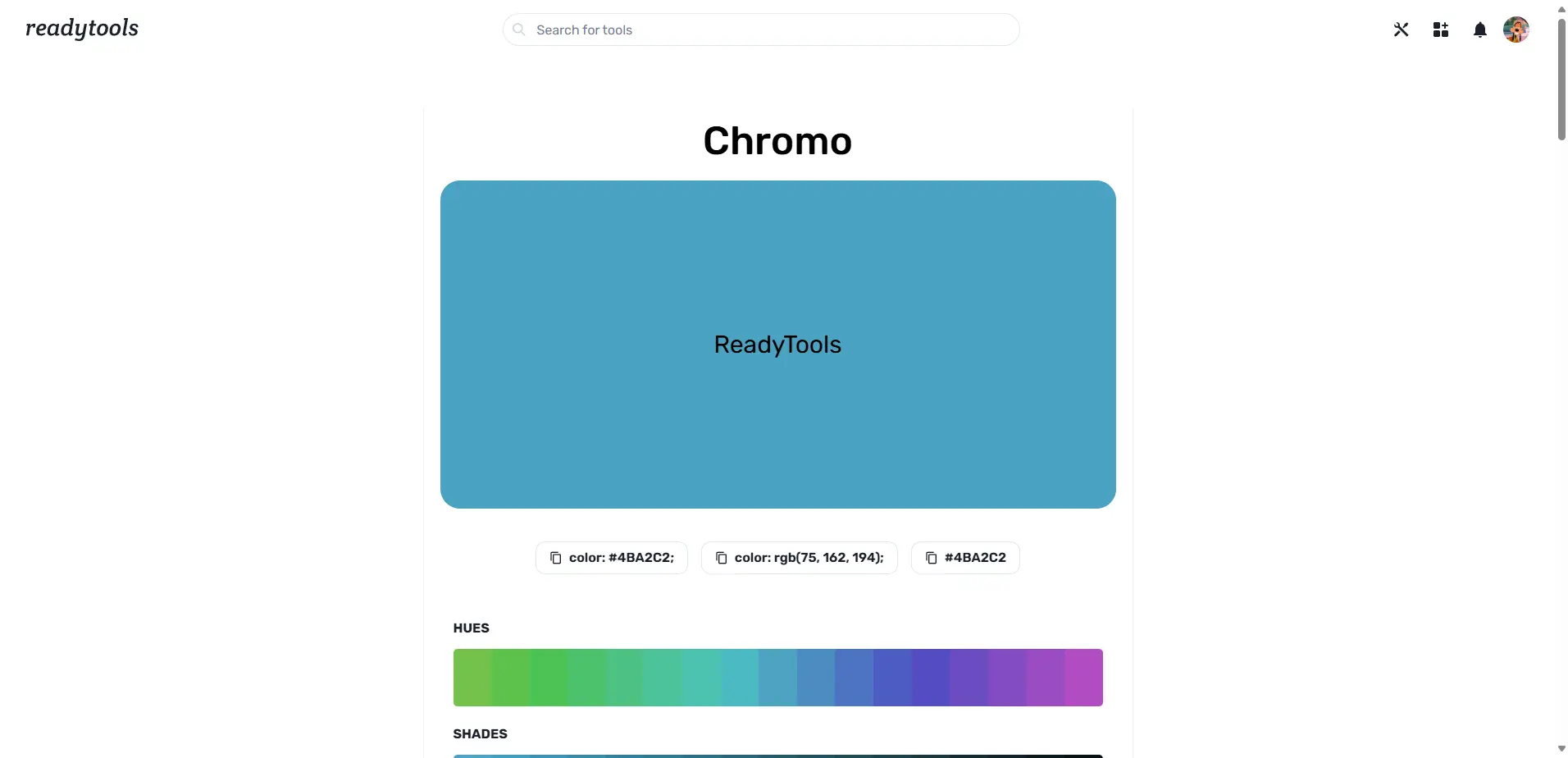
Chromo: Turning One Color into a Complete System
1/3/2026
Chromo turns a single HEX color into palettes, formats, accessibility checks, psychology, gradients, and code for design and development.