Free Color Tool That Turns One Color into Everything You Need (2026 Update)
3/23/2026
5 min read
Share
If you're a designer, developer, marketer, content creator, or just someone who needs colors fast — you've probably spent way too much time jumping between five different tabs: one for picking a color, another for generating a palette, one more for checking contrast, and maybe yet another for converting HEX to RGB or CMYK.
What if one single free tool could handle almost all of that in one clean place?
That's exactly what Chromo by ReadyTools does — and in 2026 it's quietly becoming one of the smartest free color helpers out there.
Why Most Color Tools Feel Outdated in 2026
Let's be honest:
- Classic Chrome extensions like ColorZilla or Eye Dropper are great for grabbing a color from a webpage… but they stop there.
- Coolors and Adobe Color shine at random palettes… but building a full system around your brand color takes extra work.
- Many "free" tools hide the best features behind paywalls or bombard you with ads.
Chromo takes a different approach: start with one real color you already love (your brand primary, a mood color, anything), and it instantly expands that single color into a complete, production-ready system.
No guessing. No AI hallucinations. Just smart, structured color data.
What Chromo Actually Gives You (Step by Step)
- Instant Format Conversion – Everything at Once Paste or type any HEX (or color name), and Chromo shows you:
- HEX
- RGB / RGBA
- HSL / HSLA
- CMYK (ready for print)
- Even HSV if you need it Perfect whether you're coding CSS, preparing print assets, or building mobile apps.
- Shades, Tints, and Tones – Built Automatically From your base color you get:
- Darker shades (great for hover states, dark mode backgrounds)
- Lighter tints (soft accents, highlights)
- Desaturated / toned versions (neutral grays mixed in) This alone saves hours when building consistent design systems.
- Harmony & Complementary Palettes Chromo suggests perfect matching colors:
- Analogous (close neighbors on the wheel)
- Complementary (opposites for high contrast pop)
- Triadic, split-complementary, tetradic… the classics But unlike random generators, everything stays anchored to your original color — so the whole palette feels intentional.
- WCAG Contrast Checker Built In One of the strongest features in 2026: instant accessibility previews. Drop your color as text on backgrounds (or vice versa) and see right away if it passes:
- AA (minimum for most text)
- AAA (enhanced readability) Huge time-saver for UI/UX designers and anyone who cares about inclusive design.
- Color Psychology & Meaning Quick-View Curious why that teal feels "trustworthy" or why that coral screams "energetic"? Chromo includes short, practical psychology notes for hundreds of shades — helpful when you're pitching to clients or choosing brand emotions.
- UI Previews & Gradients See your color (and palette) applied to real-ish mockups:
- Buttons
- Cards
- Typography pairs
- Linear & radial gradients Makes it much easier to visualize before you code.
- Modern Color Database Search Not sure what color to start with? Browse or search a clean, up-to-date database of named colors with all the same analysis tools applied.
And the best part? The core experience is completely free on readytools.co/chromo (no credit card needed to start — though they offer a 7-day Plus trial for extra platform features).
Chromo vs Popular Tools in 2026 – Quick Comparison
- ColorZilla / Eye Dropper → Best for quick eyedropper from any site. Chromo wins if you need palettes + contrast + formats.
- Coolors → Fantastic random inspiration. Chromo is better when you already have a starting color you must build around.
- Adobe Color → Powerful, but tied to Adobe ecosystem. Chromo feels lighter and more developer-friendly.
- Khroma → AI-personalized palettes. Chromo is more precise and data-driven, less "creative surprise".
- Canva Color Tools → Super beginner-friendly. Chromo goes deeper for pro workflows.
Who Should Use Chromo Right Now?
- Freelance designers tired of switching apps
- Indie devs building consistent UI kits or themes
- Brand & marketing teams who need print + digital color systems
- Anyone obsessed with accessibility (WCAG checks are gold)
- Students / hobbyists who want pro-level results without paying
How to Get Started in Under 60 Seconds
- Go to → https://www.readytools.co/chromo
- Type or paste any HEX code (or pick from our database)
- Watch it explode into shades, palettes, contrasts, code snippets…
- Copy what you need (most things have one-click copy buttons)
Pro tip: If you already use other ReadyTools features (like their Notes, Palette explorer, or Chrome extension), Chromo lives right inside the same dashboard — super convenient.
Final Thoughts
In 2026 we don't need another random color generator. We need tools that respect the color we already chose and help us use it everywhere: web, print, apps, branding, dark mode, accessibility reports…
Chromo does exactly that — for free, in the browser, no install required.
Next time you're searching for a "free color palette generator", "online contrast checker", "HEX to CMYK converter", or "build color system from one color" — give Chromo a spin first.
You might not go back.
What’s your go-to starting color right now? 😄
Happy designing!
Cover Image Source: cloud.readytools.co
Enjoyed the article?
Discover the best tools from ReadyTools to streamline your daily work! Social media, SEO, design, and dev – all in one place, under one profile.
Try for freeRelated Posts
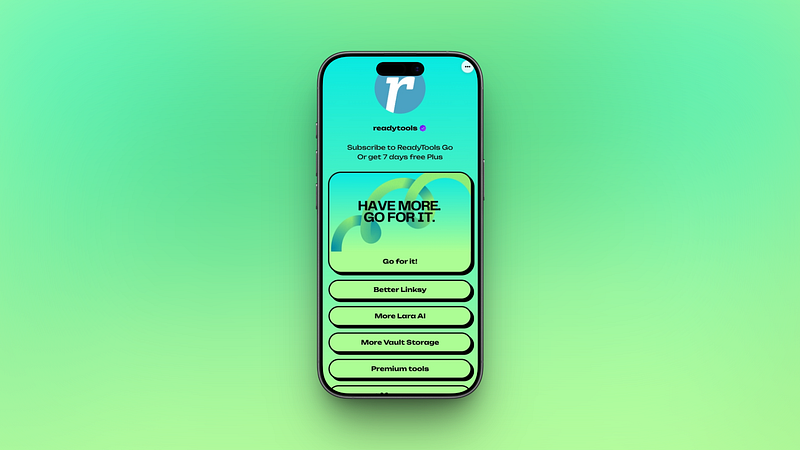
Level Up Your Link in Bio: The All-New Linksy by ReadyTools
3/24/2026
Building your perfect “Link in Bio” page should be as effortless as posting your favorite photo. You want it to look professional, feel smooth, and take se

Introducing Lara Search Engine: Real-Time Internet Search Is Now Live at ReadyTools
3/20/2026
Lara can now search the live internet in real time — pulling the latest information, fact-checking, and enriching every response with fresh, accurate data.

Big Updates at ReadyTools: Stronger Encryption, Lara Now Searches the Internet & Lightning-Fast Images
3/20/2026
ReadyTools just rolled out one of our most important platform updates yet—bringing smarter AI, even stronger protection, and noticeably better speed across