May 16, 2026
ReadyTools Official Updates Page Is Now Live – Fresh Announcements, Raw Improvements & Everything You Need to Know
We’ve just launched something we believe you’re going to love: the new ReadyTools Official Updates Page.
Read article
Blog article
If you’ve been using ReadyTools Linksy to build your link-in-bio page, you already know the power of full design freedom on the free plan — custom buttons,
readytools
May 7, 2026
4 min read
Share
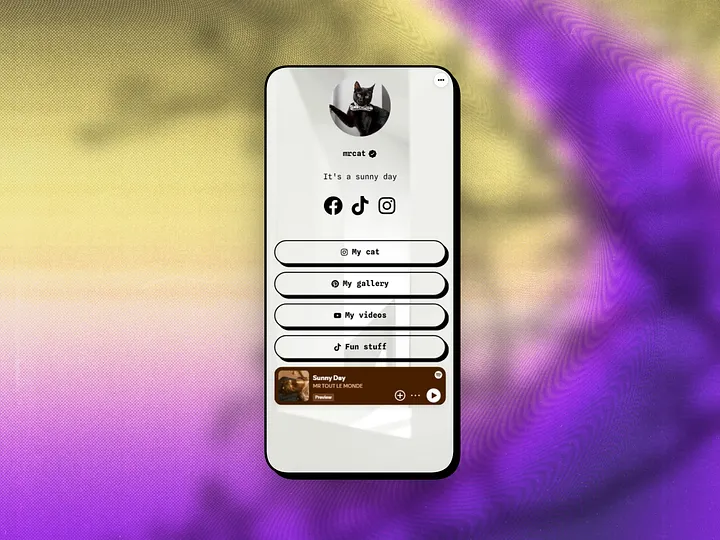
If you’ve been using ReadyTools Linksy to build your link-in-bio page, you already know the power of full design freedom on the free plan — custom buttons, colors, fonts, and beautiful backgrounds that make your page look premium and convert better.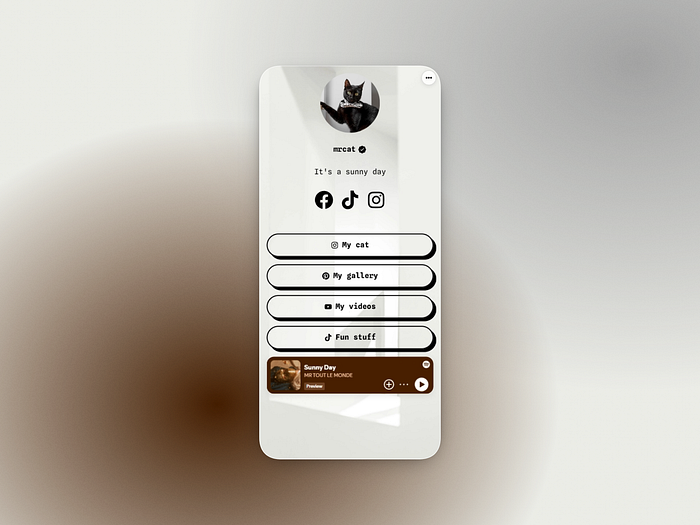
Today we’re taking that freedom to the next level with a completely free, highly requested update: the Background Image Crop Tool.
No more awkward automatic crops. No more jumping between external editors. Now you have full creative control to upload any image and perfectly compose it for Linksy’s ideal 9:16 vertical format — directly inside the app.
Linksy pages are built mobile-first. Most of your visitors discover you on their phones, where a perfectly framed vertical background creates an immersive, professional first impression.
Until now, uploading your own photos, branded graphics, or stock images often meant:
The new crop tool solves this instantly. You now have pixel-perfect control over every background on your Linksy page — and it’s 100% free.
When you go to Appearance → Background Image and choose the Upload tab, you’ll now open a powerful, intuitive crop modal with these pro features:
The cropped result is automatically saved in your Vault (as a public file tagged for Linksy), so you can reuse it, update it later, or apply it to other pages.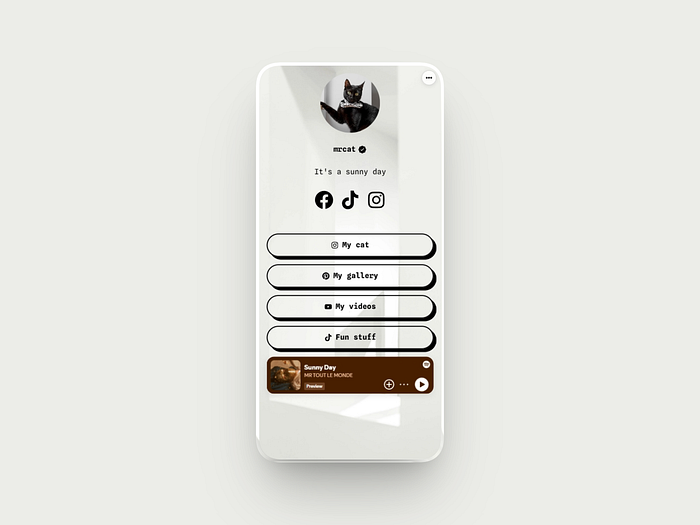
That’s it. No external tools, no quality loss, no extra cost.
Pro tip: For maximum impact, try zooming in on a key detail of your photo or rotating for a fresh, artistic angle. Many creators are already getting incredible results with personal photos and branded visuals that previously didn’t fit the vertical format.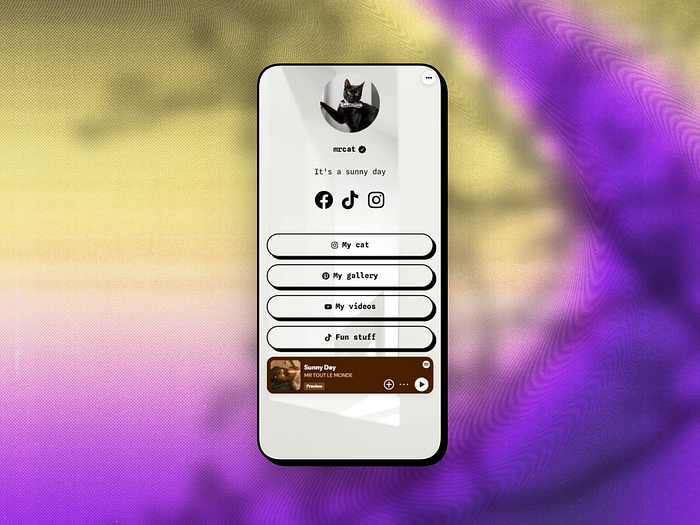
This update continues our commitment to making ReadyTools Linksy the best free link-in-bio tool for custom pages that convert in 2026.
Just like:
…the new background crop tool is available to every Linksy user at no extra cost.
A perfectly composed background doesn’t just look better — it increases time on page, improves perceived professionalism, and helps your links and modules stand out. Combined with the new analytics (best time to post, scroll depth, click quality, etc.), you now have everything you need to create high-converting Linksy pages that truly represent your brand.
Head to your Linksy page right now and upload your first custom cropped background. It takes less than a minute and the difference is immediately visible.
→ Open Linksy → readytools.co/linksy
We’re incredibly excited about this update because it removes one of the last friction points in creating a truly beautiful, on-brand link-in-bio page.
Have ideas for the next improvement? We read every piece of feedback inside the app.
Stay tuned — more powerful (and free) updates are coming very soon.
ReadyTools Linksy — the link-in-bio tool that keeps getting better, for free.
Discover ReadyTools: the ultimate productivity suite for creators. Beautiful Linksy pages, smart Lara AI, project management, secure cloud storage, and everything else you need — all together. Start your 7-day free trial today.
Explore ReadyToolsTable of Contents
Keep reading
May 16, 2026
We’ve just launched something we believe you’re going to love: the new ReadyTools Official Updates Page.
Read article
May 8, 2026
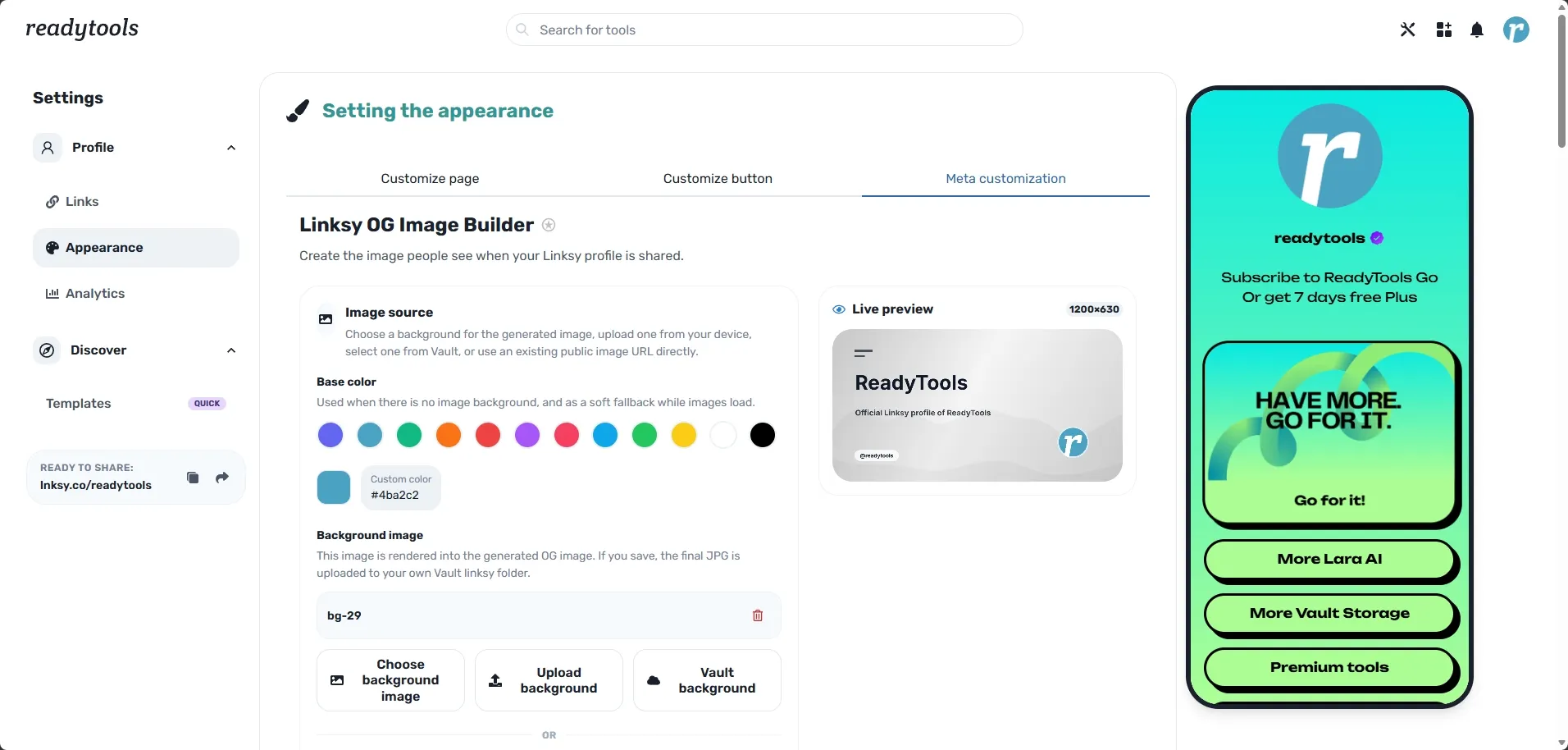
When someone shares your Linksy page on Twitter, LinkedIn, Discord, or in a newsletter, the first thing people see is your OG image — the 1200×630 preview
Read article
May 6, 2026
If you’ve been building your online presence with Linksy, you already know how powerful a single, beautiful link-in-bio page can be. It turns scattered soc
Read article