May 16, 2026
ReadyTools Official Updates Page Is Now Live – Fresh Announcements, Raw Improvements & Everything You Need to Know
We’ve just launched something we believe you’re going to love: the new ReadyTools Official Updates Page.
Read article
Blog article
When someone shares your Linksy page on Twitter, LinkedIn, Discord, or in a newsletter, the first thing people see is your OG image — the 1200×630 preview
readytools
May 8, 2026
4 min read
Share
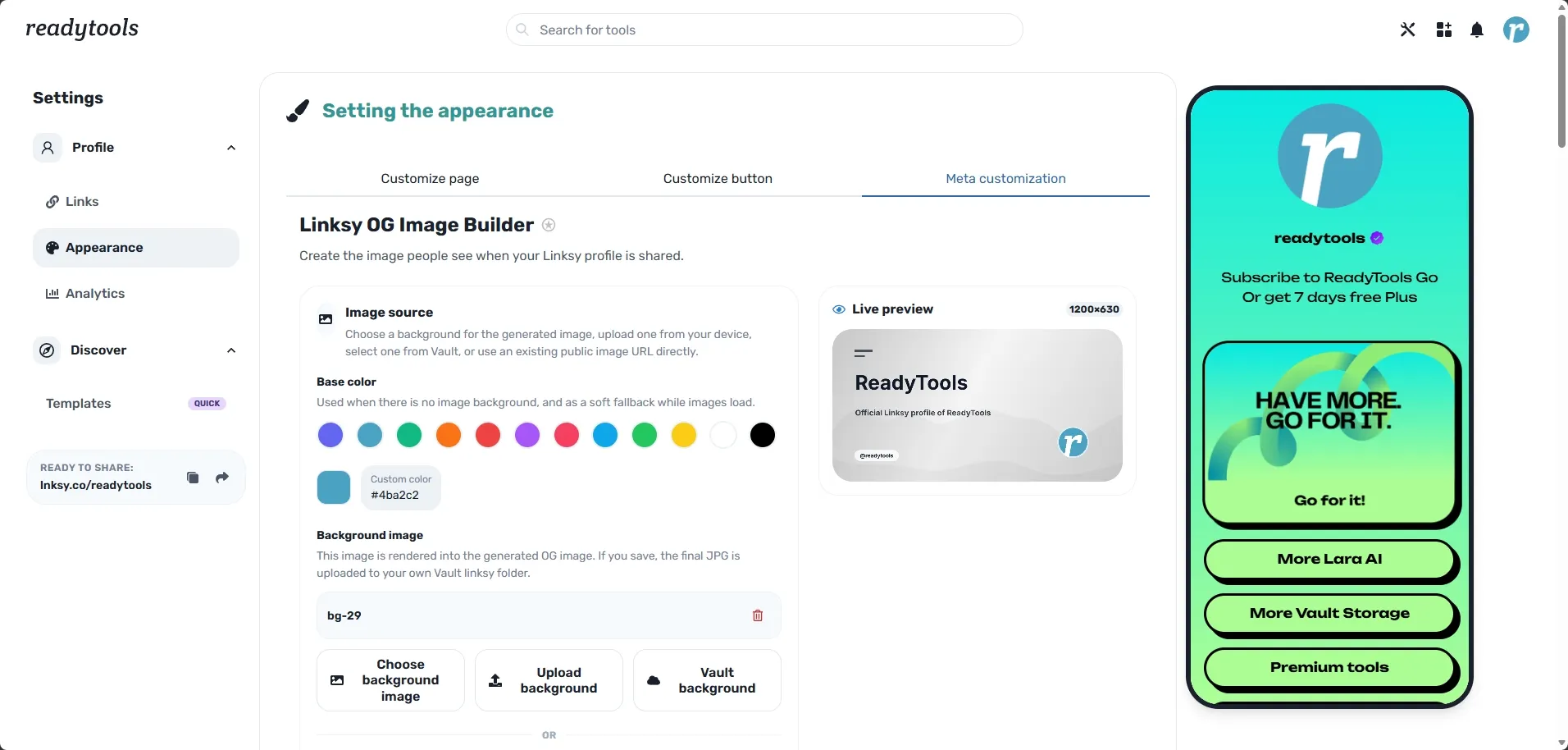
When someone shares your Linksy page on Twitter, LinkedIn, Discord, or in a newsletter, the first thing people see is your OG image — the 1200×630 preview that appears in their feed.
For years, most link-in-bio tools (including the previous version of Linksy) offered almost nothing here: just a handful of static backgrounds and a couple of basic text toggles. The result was almost always a generic, forgettable social preview.
Today we’re fixing that properly.
We’ve launched a complete custom OG Image Builder inside Linksy — a real design studio that lets you create professional, on-brand social preview images in just a few minutes. This is one of the most significant design upgrades we’ve shipped since the Hero Profile Frame and the free background crop tool.
The old system was basic. You could pick from a few preset images and switch between display name, username, or bio. That was it.
The new OG Image Builder gives you serious design power:
Everything is rendered with a high-quality canvas engine, so the final image looks sharp and intentional everywhere it appears.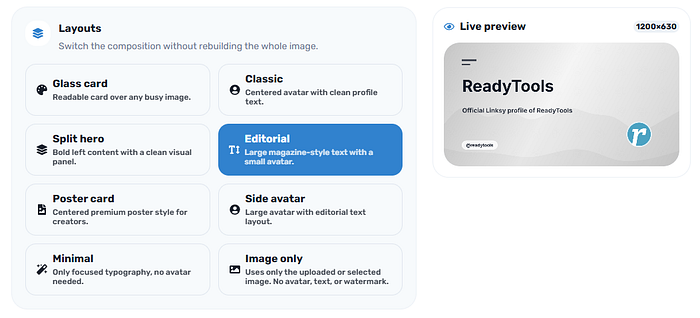
Your OG image is often the very first impression someone gets of your Linksy page. A strong, branded preview can meaningfully increase click-through rates when you share your page on social media.
With the new builder you can finally:
It’s the difference between “just another link-in-bio” and “this person clearly cares about their brand.”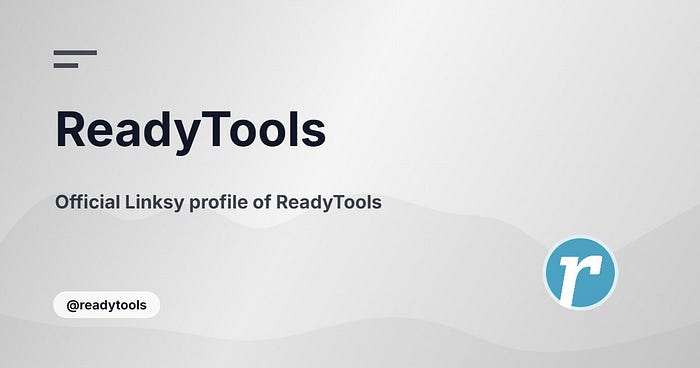
The new OG Image Builder is available exclusively to Plus and Max subscribers. We believe advanced branding and design tools like this belong in the paid plans, where they can deliver real value.
Good news: Every new ReadyTools account automatically receives 7 days of Plus for free, that you can activate at the pricing page. This means you can try the full OG Image Builder (along with all other premium features) right away.
If you already have an active Plus or Max subscription, the new builder is live in your Linksy Appearance settings today.
This update continues the direction we’ve been taking with Linksy:
We’re systematically removing the limitations that prevent creators and businesses from building a truly premium presence with Linksy.
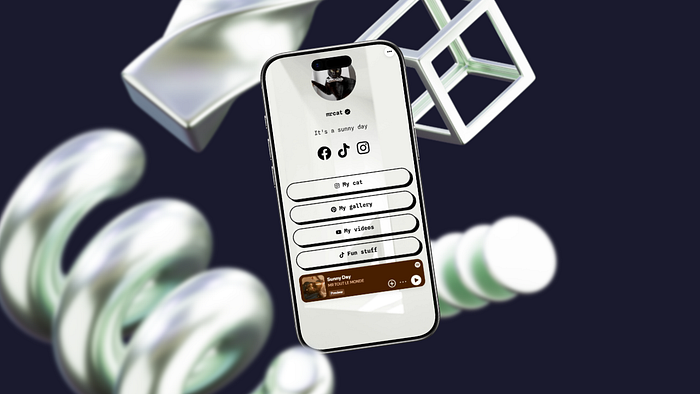
Go to your Linksy page and open the new OG Image section. Spend a few minutes experimenting with the layouts and controls — we think you’ll be surprised how good your social previews can look.
→ Open Linksy → readytools.co/linksy
New users get 7 days of Plus free, so you can test the full builder immediately.
We’d love to hear what you create and what you think. If you have feedback or ideas for new layouts, just let us know inside the app.
More powerful updates are coming soon.
ReadyTools Linksy — because your social previews should look as good as the page they represent.
Discover ReadyTools: the ultimate productivity suite for creators. Beautiful Linksy pages, smart Lara AI, project management, secure cloud storage, and everything else you need — all together. Start your 7-day free trial today.
Explore ReadyToolsKeep reading
May 16, 2026
We’ve just launched something we believe you’re going to love: the new ReadyTools Official Updates Page.
Read article
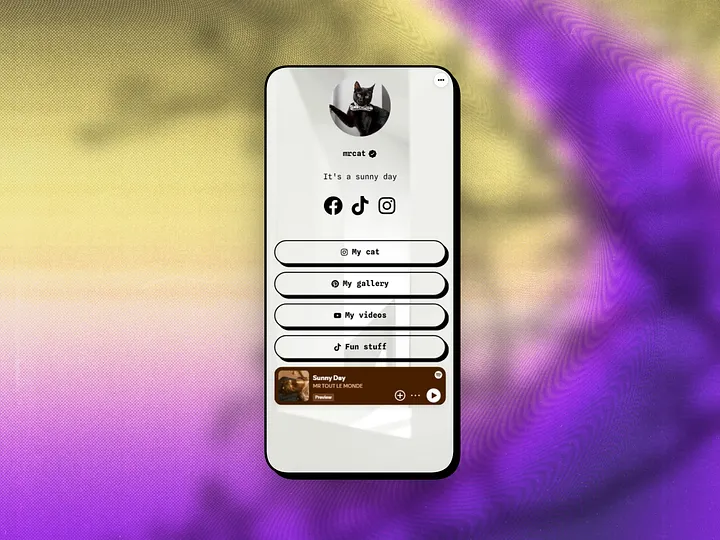
May 7, 2026
If you’ve been using ReadyTools Linksy to build your link-in-bio page, you already know the power of full design freedom on the free plan — custom buttons,
Read article
May 6, 2026
If you’ve been building your online presence with Linksy, you already know how powerful a single, beautiful link-in-bio page can be. It turns scattered soc
Read article