July 20, 2026
Linksy Adds Five New Modules and Redesigns Opening Hours Display
Linksy introduces Features, Statistics, Logos, Comparison, and Skills modules plus a refreshed Opening Hours interface with multiple layout options and...
Read article
Blog article
Discover the top 5 most loved HTML elements in 2026 — from the eternal to semantic heroes. Why devs adore them for accessibility, SEO, and modern web magic
readytools
January 15, 2026
5 min read
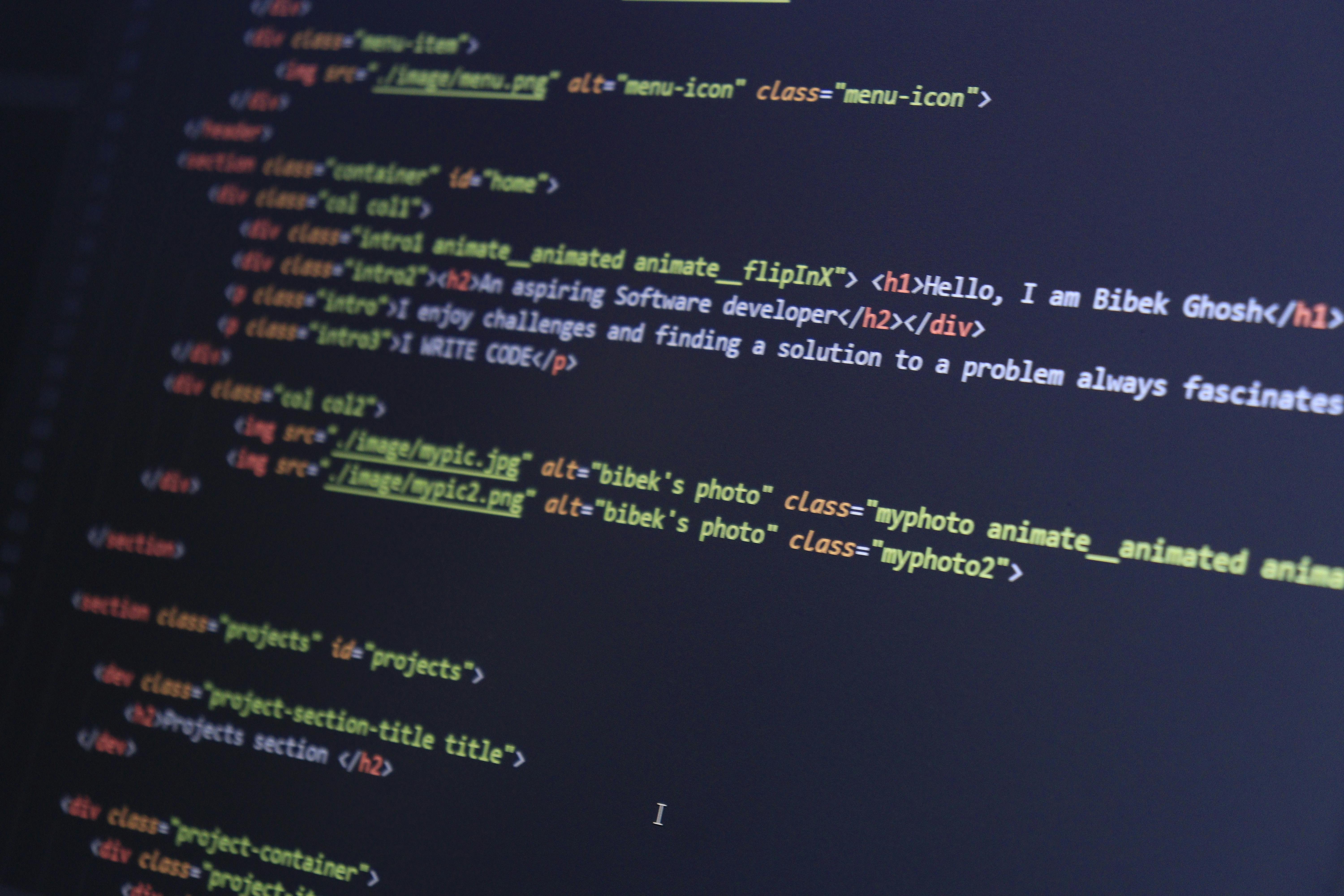
Image source: images.pexels.com
Share
If you’ve ever built a website — from a simple landing page to a full-blown web app — you know that HTML is the quiet backbone of everything we do on the web. It’s been around since the 90s, yet somehow HTML elements still spark heated debates, endless memes, and genuine affection in developer communities. Ask any front-end developer what their favorite HTML tag is and you’ll get passionate answers (and probably a rant about <div> soup).
In 2026, with HTML5 long established and new web standards constantly emerging, some elements have risen to legendary status. They’re the ones we reach for first, the ones that make our lives easier, and the ones we secretly love a little too much. Today, I’m counting down the top 5 most loved HTML elements that modern web developers swear by — complete with real-world examples, tips, and a dash of nostalgia.
Let’s dive in.
Everyone loves a good button. Seriously. The <button> element is the gateway drug to interactive web design.
Before <button>, we were stuck using <input type="button"> or styled <a> tags pretending to be buttons. Now? Native <button> gives us built-in keyboard accessibility, proper focus states, and the ability to contain literally anything — text, icons, images, even other elements.
<button type="button" class="fancy-btn">
  <svg><!-- icon --></svg>
  Submit Magic
</button>
Why developers love it in 2026:
Pro tip: Never use <div> or <span> styled as buttons for primary actions. Real <button> elements are always the right choice for forms and critical interactions.
Images are the soul of the web. Without <img>, the internet would be a very boring wall of text.
The modern <img> tag is a powerhouse thanks to attributes like srcset, sizes, loading="lazy", and decoding="async". We’ve come a long way from the bad old days of slow-loading pages and broken alt text.
<picture>
  <source srcset="hero.avif" type="image/avif">
  <source srcset="hero.webp" type="image/webp">
  <img
    src="hero.jpg"
    alt="A vibrant sunset over mountains – symbolizing epic web experiences"
    loading="lazy"
    width="1200"
    height="600">
</picture>
Why it’s beloved:
In 2026, with AI-generated imagery everywhere, <img> remains the simplest, most reliable way to display visuals. No framework needed — just pure HTML magic.
The anchor tag. The original killer feature of the World Wide Web. Without <a>, there is no “web” — just isolated pages.
We take it for granted, but <a> is still one of the most powerful elements in HTML. It can link to pages, download files, trigger emails, open phone dialers, and even control JavaScript behavior with target="_blank" and rel="noopener".
<a
  href="https://example.com"
  target="_blank"
  rel="noopener noreferrer"
  download="report.pdf">
  Download the Ultimate Guide
</a>
Why developers adore it:
Fun fact: Tim Berners-Lee invented the <a> tag in 1991. It’s the reason you’re reading this blog post right now.
Remember the dark ages of <div class="header">, <div class="content">, <div id="footer">? Semantic HTML changed everything.
<section> (along with its siblings <article>, <aside>, <nav>, and <header>) brought meaning to markup. Suddenly, our code wasn’t just a pile of boxes — it told a story.
<section aria-labelledby="features-heading">
  <h2 id="features-heading">Key Features</h2>
  <p>Here’s why developers love semantic tags...</p>
</section>
Why it’s a developer favorite in 2026:
Using proper semantic elements feels professional. It’s the difference between writing poetry and writing a grocery list.
I know what you’re thinking: “<div>? The most hated element?” Hear me out.
<div> is the Swiss Army knife of HTML. It has no semantic meaning, no opinions, no baggage. It just sits there and lets you build whatever you want. And that freedom is exactly why developers secretly (or not so secretly) love it.
In modern web development — with CSS Grid, Flexbox, and component-based frameworks — <div> is the perfect blank canvas.
<div class="grid-container">
  <div class="card">Card 1</div>
  <div class="card">Card 2</div>
  <div class="card">Card 3</div>
</div>
Why <div> takes the top spot:
Yes, we should use semantic elements when they make sense. But let’s be honest: every beautiful, complex website you admire is built on a foundation of carefully placed <div>s.
HTML elements are more than just tags — they’re the building blocks of the entire internet. In 2026, with progressive web apps, AI-assisted coding, and ever-evolving standards, these five elements remain indispensable.
Whether you’re a beginner learning HTML basics or a seasoned front-end engineer crafting pixel-perfect designs, take a moment to appreciate the humble tags that make it all possible.
What’s YOUR most loved HTML element? Is <div> your guilty pleasure, or do you swear by semantic tags?
Discover ReadyTools: the ultimate productivity suite for creators. Beautiful Linksy pages, smart Lara AI, project management, secure cloud storage, and everything else you need — all together. Start your 7-day free trial today.
Explore ReadyToolsKeep reading
July 20, 2026
Linksy introduces Features, Statistics, Logos, Comparison, and Skills modules plus a refreshed Opening Hours interface with multiple layout options and...
Read article
July 12, 2026
Your link in bio shouldn't just send people to your social links.
Read article

July 3, 2026
Web development continues to evolve quickly, but a few languages remain at the center of almost every project.
Read article