July 25, 2026
10 HTML Tricks Experts Use That You Can Start Using Today
Discover ten lesser-known HTML features that solve real problems without JavaScript. From native modals to semantic progress indicators, these patterns...
Read article
Blog article
The new Boards block brings Kanban-style project management directly into Workspace pages, supporting hundreds of cards, nested content, and full...
readytools
July 24, 2026
4 min read
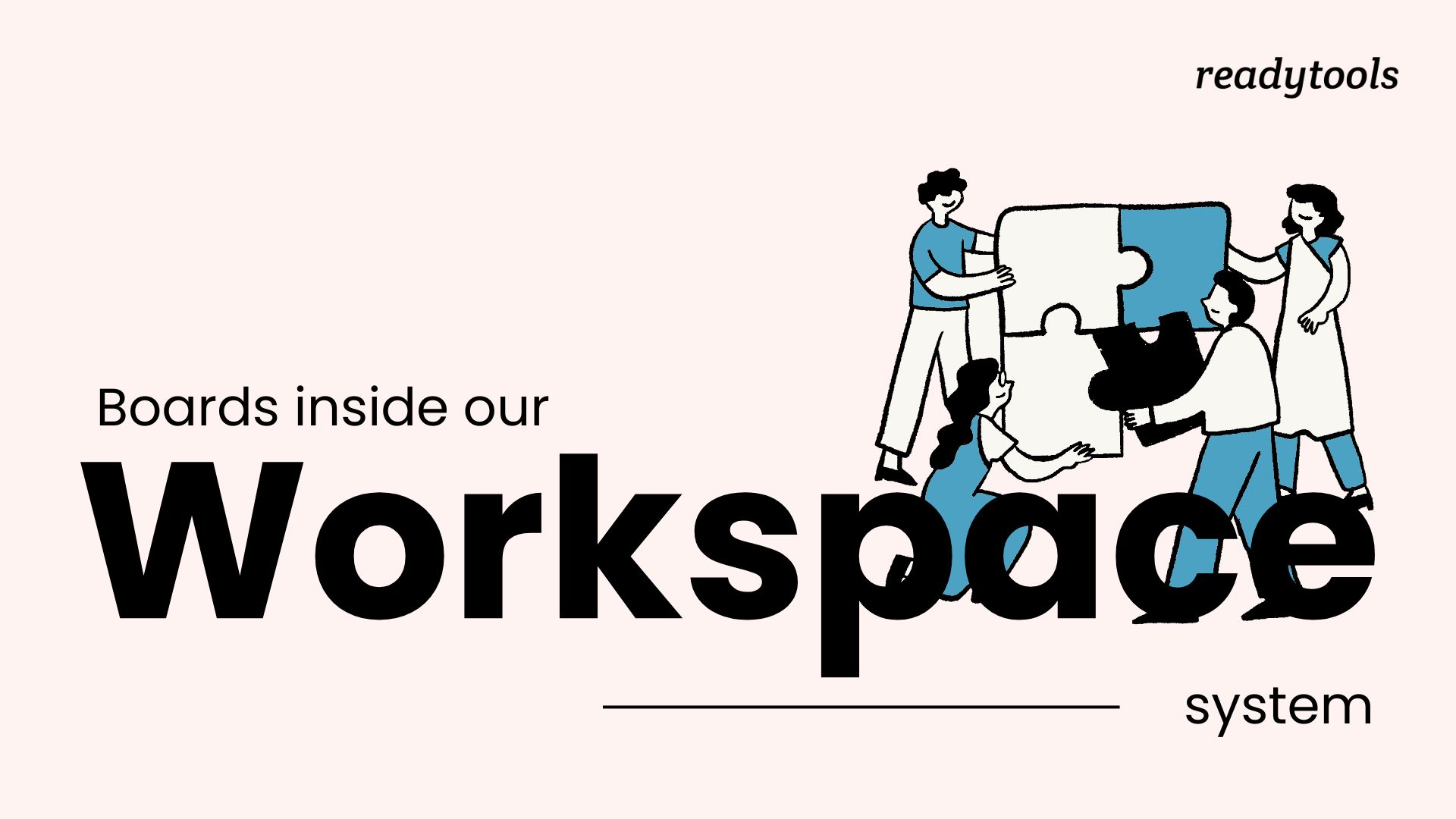
Image source: cloud.readytools.co
Share
ReadyTools Workspace now includes a Boards block that turns any page into a visual workflow system. Instead of linking to an external project tool, you can create columns, add cards, and manage work directly where your notes, files, and research already live. The block supports hundreds of cards, thousands of nested blocks, and detailed card pages while keeping everything inside a single Workspace page.
Each board starts with customizable columns that you can rename, reorder, color-code, collapse, or expand. Cards move between columns with smooth drag-and-drop. A card is not just a title - it can hold detailed descriptions, priorities, start and due dates, multiple assignees, custom colors, icons, and any other Workspace block type. That means a single card can contain checklists, images, embedded files, headings, comments, and collaborative content. The entire context of a task stays in one place.
Overview indicators show the total card count, urgent tasks, overdue items, and assigned cards at a glance. The search system scans card titles, descriptions, column names, priorities, and assigned members, so you can find a specific task across hundreds of cards without manually checking every column. You can also adjust card sizes, toggle the visibility of descriptions, priorities, assignees, and dates, and enable colored columns to match the density of your workflow.
Boards integrate with the existing Workspace collaboration model. Cards can be assigned to Workspace members, edited by multiple people simultaneously, and respect the same viewing, editing, and suggestion permissions already in place. An automatic assignee option for urgent tasks helps ensure important cards reach the right person immediately. The experience remains responsive even with deeply nested card content and complex multi-column layouts.
Boards were built separately for desktop and mobile rather than shrinking a desktop interface. On desktop, the layout uses horizontal space for a wide workflow overview, with detailed card content opening in a focused side panel. On mobile, the experience switches to touch-friendly controls, horizontal card navigation, responsive column sizing, and dedicated bottom sheets for settings and actions. Panels expand, collapse, and dismiss with natural gestures, making larger boards practical on smaller screens. The interface automatically adapts card sizes, controls, menus, and interactions based on available space.
The mobile slash menu now includes a built-in search bar. Instead of scrolling through the full list of available blocks, you can start typing the block name and add it immediately. This becomes more valuable as Workspace grows and more block types are added.
A fix addresses an issue where restoring a large deletion could leave parts of the Workspace in an inconsistent state. Restore now handles larger block collections more reliably, making it safer to undo major deletions in long documents, complex pages, and larger Workspace projects.
Product teams can manage launch checklists, bug triage, and feature planning alongside specifications and feedback. Researchers can organize sources, ideas, and findings in columns that mirror their process. Content teams can build editorial calendars with drafts, assets, and publication dates embedded in each card. Students can track assignments, readings, and project milestones next to their notes. Because Boards live inside Workspace, anyone already using ReadyTools Workspace for notes, files, or collaboration can start using them without adopting a separate tool or migrating data.
The Boards block extends the Workspace philosophy: start with a note, then keep building in the same place. Work that begins as rough capture can evolve into structured project management without rebuilding it elsewhere. Combined with Lara AI for writing, summarizing, and research, the encrypted Vault for file storage, real-time multiplayer editing, and Workspace Sites for publishing, Boards add a visual workflow layer that keeps context connected from idea to execution. You can explore the full capability of ReadyTools Worksapce to see how Boards complement the existing toolkit.
Discover ReadyTools: the ultimate productivity suite for creators. Beautiful Linksy pages, smart Lara AI, project management, secure cloud storage, and everything else you need — all together. Start your 7-day free trial today.
Explore ReadyToolsKeep reading
July 25, 2026
Discover ten lesser-known HTML features that solve real problems without JavaScript. From native modals to semantic progress indicators, these patterns...
Read article
July 23, 2026
From synchronization engines to suggestion modes, the July 14-21 updates show what happens when a collaborative editor invests in the layers users rarely..
Read article
July 23, 2026
A rapid sequence of updates brings Features, Statistics, Logos, Comparison, and Skills modules, complete appearance control for Plus and Max users, and a..
Read article