July 25, 2026
10 HTML Tricks Experts Use That You Can Start Using Today
Discover ten lesser-known HTML features that solve real problems without JavaScript. From native modals to semantic progress indicators, these patterns...
Read article
Blog article
A rapid sequence of updates brings Features, Statistics, Logos, Comparison, and Skills modules, complete appearance control for Plus and Max users, and a..
readytools
July 23, 2026
5 min read
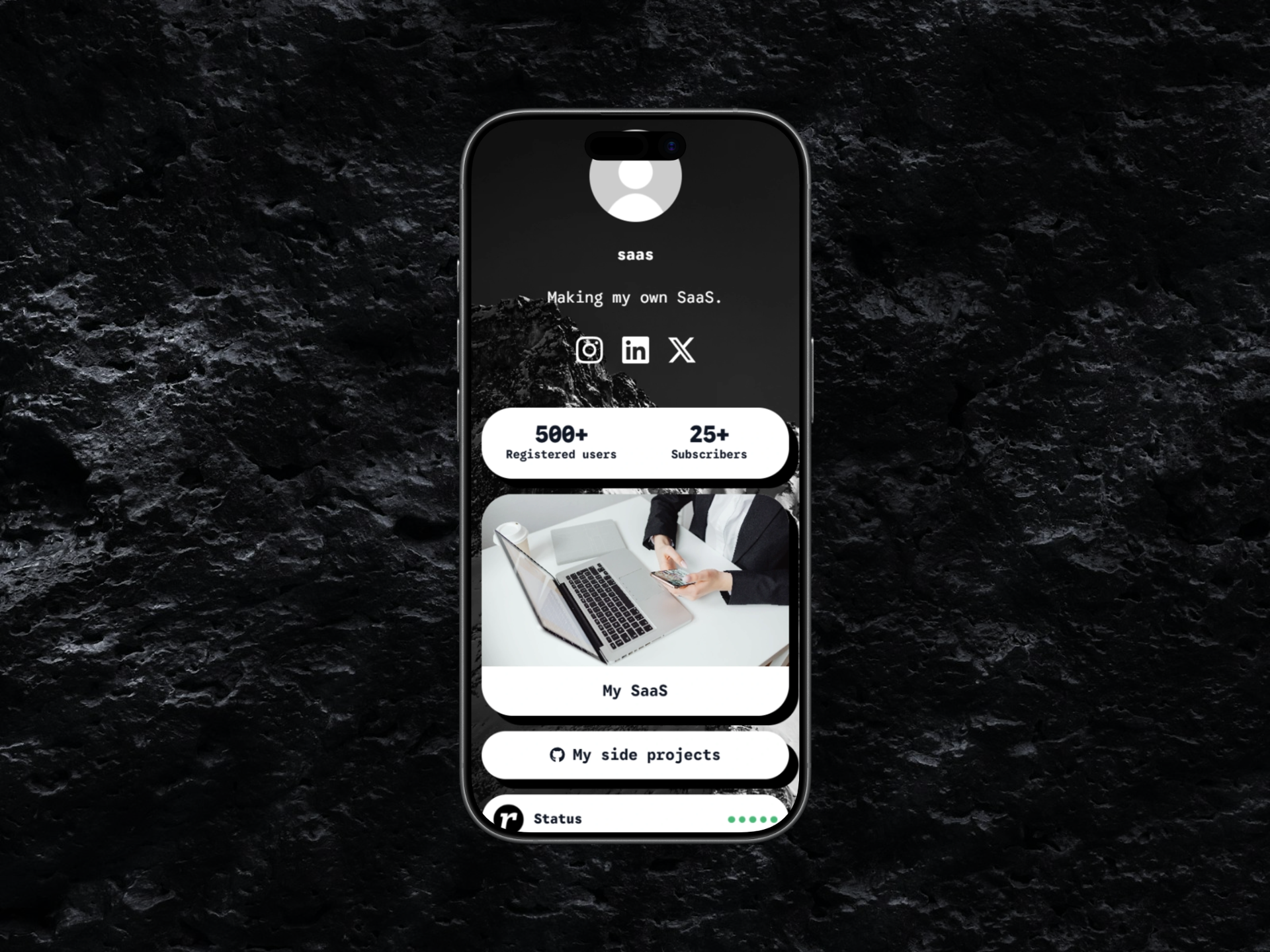
Image source: cloud.readytools.co
Share
The July 20 update introduced five modules at once: Features, Statistics, Logos, Comparison, and Skills. Each module is designed to work without a separate website, letting creators, businesses, and developers present richer content directly on a Linksy page.
The Features module accepts a title, description, custom icon or image, and an optional destination link per item. Content can render as a highlighted section or a clean checklist, with adjustable text alignment. Statistics displays key numbers - customers served, projects completed, satisfaction rates, countries reached, years of experience - in highlighted, compact row, or individual card layouts.
Logos supports partner, sponsor, or technology marks in a grid, featured collection, or auto-scrolling carousel with direction, speed, grayscale, size, pause-on-hover, and reduced-motion settings. Comparison builds multi-column tables with rows for features or attributes; values show as included, unavailable, empty, or custom text. Tables scroll horizontally on small screens, and a card layout offers a focused mobile view. Skills presents experience or technologies with name, icon or image, proficiency level, optional link, and visual tone, displayed as progress bars, percentage rings, badges, or a compact matrix.
All new modules share upgraded image handling: select from ReadyTools Vault, upload directly, or add a secure HTTPS URL. External URLs are validated before display; unsafe, local, internal, or unsupported protocols are rejected. Rendered images use responsive sizing, descriptive alternative text, and optimized delivery.
Two days later, the July 22 update gave Plus and Max subscribers full visual control over supported modules from the Appearance page. Free and Go users continue to see the standard module design.
Controls cover background and text colors, borders and border styles, corner shapes, shadows, transparent and glass effects, page font usage, and complete visual presets. The preset system now mirrors the button preset order, so familiar button designs transfer to modules without manual rebuilding.
A new Copy button style option transfers the current button appearance to modules in one click. It copies backgrounds and gradients, transparency, glass blur, borders, border radius, shadows, outlines, and other supported visual effects. Text formatting and button-specific layout settings are intentionally excluded so modules keep their own readable structure while matching the overall design. The page font can be copied separately.
Glass styles now preserve the full effect instead of only copying a transparent background. This includes layered transparent gradients, backdrop blur with Safari and iPhone support, semi-transparent borders, inset highlights, and multi-layer shadows. The result is a more realistic glass appearance that works in both the editor preview and the published Linksy page.
The editor now includes a larger collection of color styles, border styles, shapes, and shadow effects. Border, shape, color, and shadow controls use the same options as the Linksy button editor, making both systems more predictable and consistent.
The July 23 update added the Image Comparison module, an interactive before-and-after slider. Users add both images from the Vault, upload new files, or use secure HTTPS URLs. The comparison slider moves horizontally or vertically depending on the selected layout, and three aspect ratios - Wide, Square, Portrait - are available. The module works across the editor preview, public Linksy pages, and template previews.
Two existing modules received layout improvements. In Gallery, a single image now uses the full available width in grid, scroll, and masonry layouts. In Skills, a single skill appears at full width while multiple skills continue using the existing grid layout. Translations for English, Hungarian, Spanish, and German were also added across the platform.
Part of the July 20 release, the Opening Hours module received a major interface and layout update. Settings are now more responsive and easier to use in narrow editors and on mobile devices. Schedule controls were reorganized to use less space while keeping daily opening times manageable.
The public module now offers four display modes: Compact status, Weekly list, Day cards, and Status card. Users control open and closed status badges, upcoming opening or closing information, today highlighting, time format, time zone visibility, accent color, light or dark card appearance, and transparent or solid card backgrounds. Day cards automatically reduce height when upcoming status information is disabled, and the weekly list uses a more compact left-and-right layout for better space efficiency.
Each module addition and customization layer expands what a single Linksy page can replace. Instead of stitching together a separate site for features, statistics, partner logos, comparison tables, or skill showcases, users now build those sections natively. The visual customization parity with buttons means a page can maintain a consistent design language without developer effort. The Image Comparison module adds a interactive visual format suited to portfolios, renovations, design revisions, and product changes. Together, the updates move Linksy closer to a complete page builder while keeping the link-in-bio simplicity that defines the product.
ReadyTools Linksy continues to grow as the central publishing surface in the ReadyTools ecosystem, connecting with Vault for assets, Boardly for projects, and the AI assistant for copy and code - all under one subscription.
Discover ReadyTools: the ultimate productivity suite for creators. Beautiful Linksy pages, smart Lara AI, project management, secure cloud storage, and everything else you need — all together. Start your 7-day free trial today.
Explore ReadyToolsTable of Contents
Keep reading
July 25, 2026
Discover ten lesser-known HTML features that solve real problems without JavaScript. From native modals to semantic progress indicators, these patterns...
Read article
July 24, 2026
The new Boards block brings Kanban-style project management directly into Workspace pages, supporting hundreds of cards, nested content, and full...
Read article
July 23, 2026
From synchronization engines to suggestion modes, the July 14-21 updates show what happens when a collaborative editor invests in the layers users rarely..
Read article