July 25, 2026
10 HTML Tricks Experts Use That You Can Start Using Today
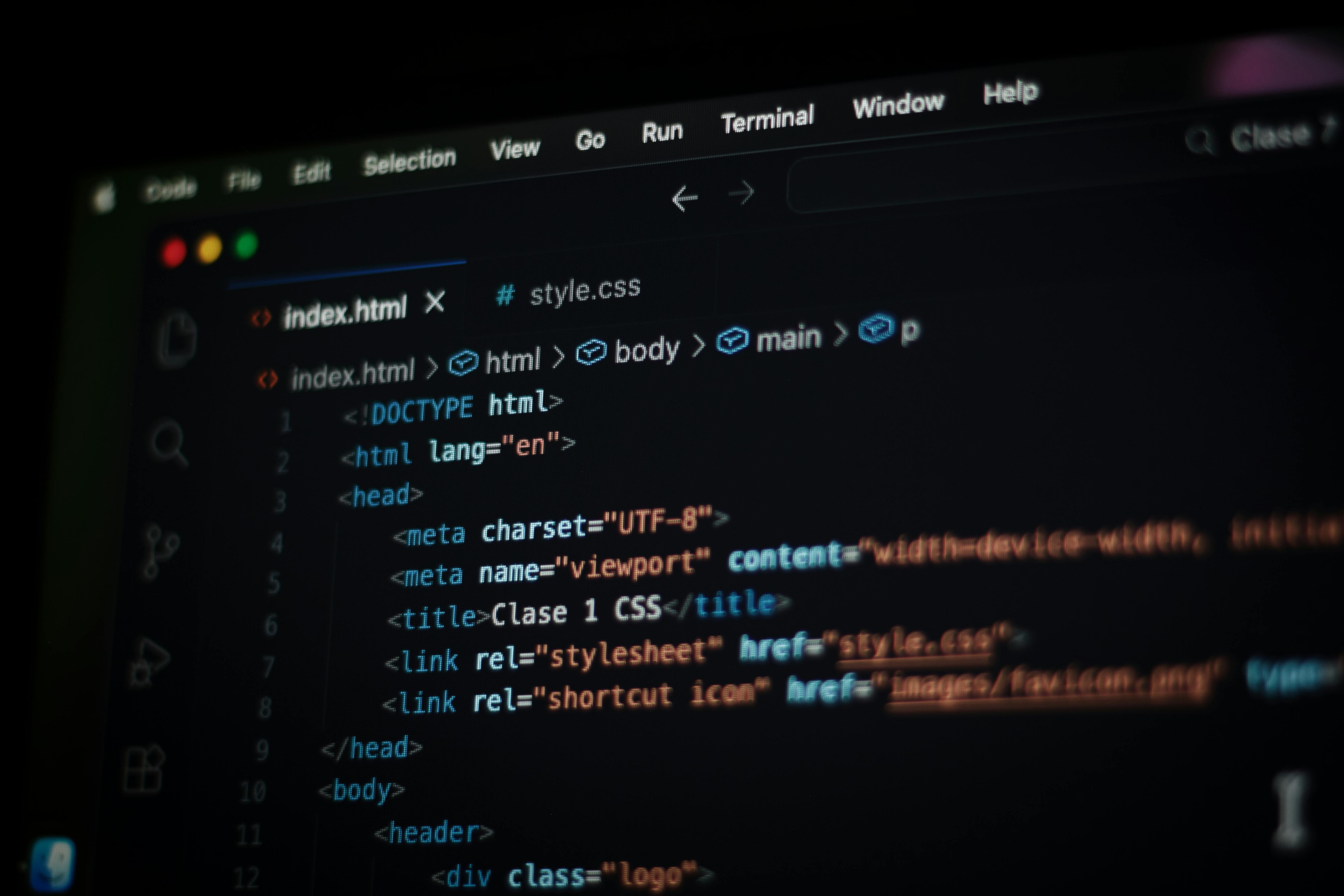
Discover ten lesser-known HTML features that solve real problems without JavaScript. From native modals to semantic progress indicators, these patterns...
Read article
Blog article
From synchronization engines to suggestion modes, the July 14-21 updates show what happens when a collaborative editor invests in the layers users rarely..
readytools
July 23, 2026
6 min read
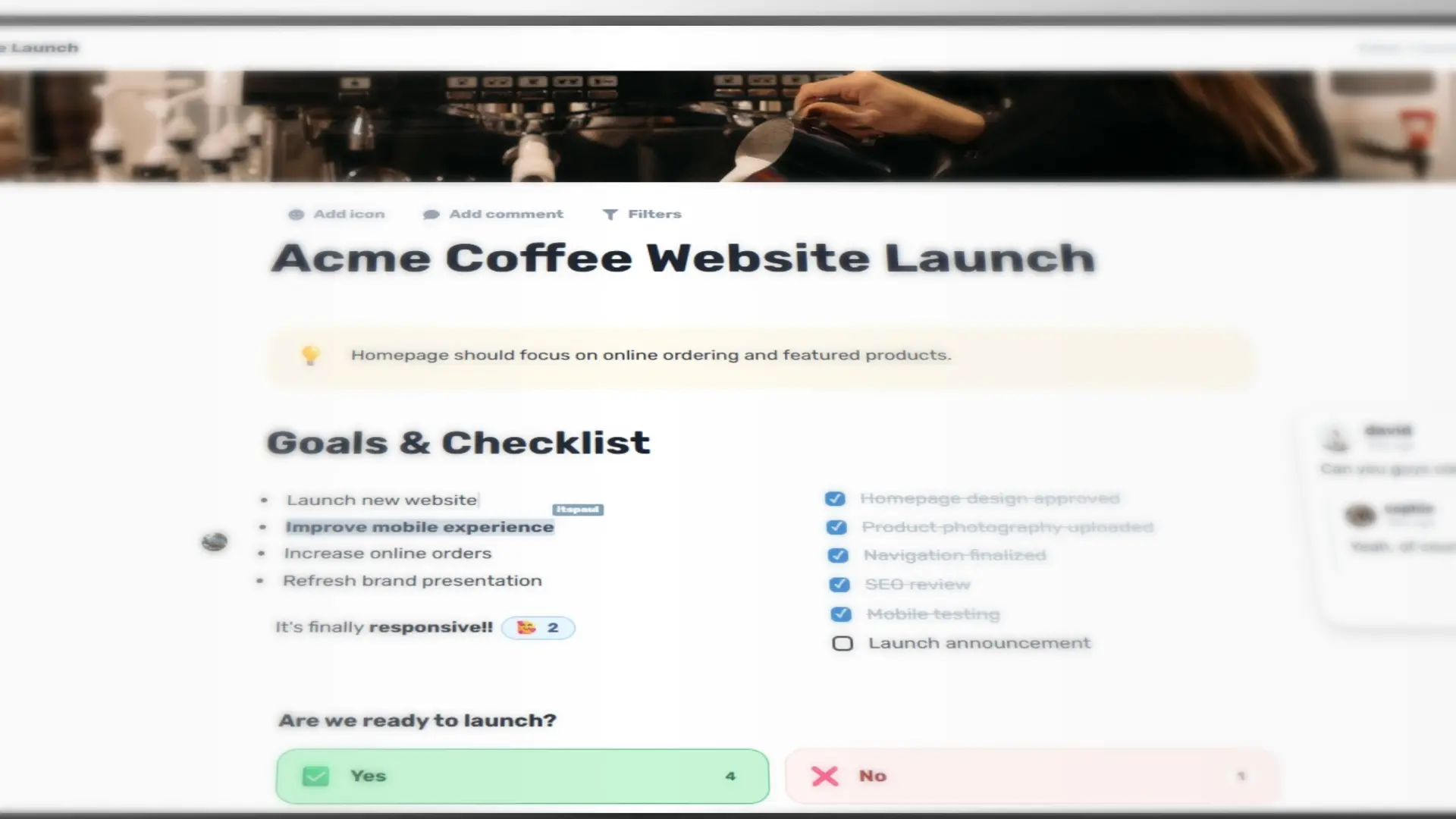
Image source: readytools.co
Share
When a collaborative editor works, you don't notice the synchronization engine. You notice when it doesn't. The week of July 14 through July 21, 2026, ReadyTools shipped four consecutive Workspace updates that together rewrite the foundation underneath every document, block, and shared session. The changes span recovery pipelines, validation layers, mobile interaction models, and a new collaboration mode that sits between viewing and editing. Individually each release solves a specific friction point. Together they show what sustained infrastructure investment looks like in a product that started as a notes tool and now runs product launches, research hubs, and public sites.
The July 14 release tackled the layer most users only feel as latency or data anxiety. The synchronization engine was significantly upgraded to make loading faster while adding stronger safeguards against data loss. Document loading became more reliable, connection handling improved, and the editor performs fewer unnecessary operations before becoming ready. The save pipeline was redesigned so progress tracks more accurately, eliminating the spinner that used to linger after a save was already complete. New page creation no longer flashes a transient error before succeeding in the background. Lists now behave consistently across Windows, macOS, and other platforms when deleting or editing items.
Behind the scenes, the synchronization engine, document processing, and connection management were optimized to reduce unnecessary work and make large documents feel noticeably smoother. Additional safeguards throughout the infrastructure better protect document integrity during reconnections or unexpected interruptions. Published Workspace Sites now generate content from the latest synchronized document state, so public pages always reflect the most up-to-date version of the work.
Two days later, the July 15 update doubled down on reliability. A redesigned document recovery pipeline now safely recognizes and restores a much wider range of legacy document formats, making older pages significantly more reliable without manual migration. A new validation layer verifies document integrity before content loads into the editor, preventing accidental overwrites during unexpected interruptions or synchronization issues. Internal document processing, synchronization, and initialization were streamlined to reduce startup time and improve responsiveness, especially when opening larger documents. Real-time collaboration received a modernized connection flow with stronger authentication and more reliable session handling. Document parsing, synchronization recovery, and compatibility with previous document structures were refined to reduce unnecessary processing while improving resilience to edge cases.
The July 20 release introduced the most visible editor changes in a single update. Headings are no longer simple text blocks. The previous Heading and Toggle Heading blocks merged into one flexible Heading block where you choose the level (H1, H2, H3), whether it collapses, and whether the entire section moves with the heading. When enabled, dragging a heading moves every block belonging to that section until the next relevant heading. The feature is disabled by default and can be toggled per heading; holding Shift while dragging activates it temporarily. Collapsible sections make long Workspace files navigable without scrolling fatigue.
A dedicated view-only mode disables typing, block movement, deletion, and accidental changes, creating a safer way to review, read shared content, or present. A new iframe block embeds any external page that allows iframe embedding - dashboards, interactive tools, forms, maps, prototypes - with flexible sizing and alignment controls that can expand beyond the normal centered content width. The same wider layout controls apply to video and other compatible media blocks.
Published Workspace Sites gained a built-in SEO system that analyzes published content structure, including H1, H2, and H3 headings, to create clearer page metadata and a more understandable content hierarchy for search engines. It works automatically, giving content-rich sites a stronger technical foundation for discovery and indexing. Mobile editing replaced many traditional dropdown menus with bottom sheets designed for touch, reducing crowded menus and making block settings, actions, and options easier to reach. More controls will migrate to this system over time.
The Code Block added support for more languages, improved language handling, and Python execution directly from the block, making Workspace useful for examples, experiments, technical notes, documentation, and lightweight code testing. Tables became easier to view, navigate, and edit with updated interactions for horizontal content. To-do items lost their oversensitivity - text selection no longer accidentally completes tasks. Quote blocks received stability and rendering improvements. Video blocks inherited the improved sizing system. Separate Toggle Heading blocks are no longer necessary.
The July 21 fix addressed early feedback on the new view modes. View Mode now consistently prevents interactions across all supported blocks. A brand-new Suggestion Mode sits between View Mode and Edit Mode: collaborators leave comments and suggestions without modifying actual block content. This makes it easier to collect feedback, review documents, and collaborate safely while keeping Workspace content protected. Together with View Mode and Edit Mode, Workspace now offers a three-tier collaboration model that matches how real teams review and approve work.
A product launch plan that starts as a rough note can now grow into a structured document with collapsible sections for goals, tasks, risks, and decisions. Team members with Suggestion Mode access can propose changes without rewriting sections. Stakeholders open the published Workspace Site in View Mode and read a clean, SEO-ready page that reflects the latest synchronized state. Researchers embed live dashboards via iframe next to their findings. Developers test Python snippets in Code Blocks without leaving the document. Mobile contributors rearrange sections with bottom-sheet controls on a phone. Legacy documents from earlier Workspace versions open reliably thanks to the expanded recovery pipeline. The validation layer prevents a flaky connection from corrupting the page. The save indicator tells the truth.
These capabilities sit on top of ReadyTools Workspace, the connected workspace that keeps notes, files, AI help, collaboration, and publishing in one place from the first idea to the final page.
The July 20 notes mention a Lara AI Agent currently being developed for Workspace, designed to work more directly with content and help users complete larger, multi-step tasks. It is finished but undergoing safety review before release. The mobile bottom-sheet system will continue absorbing more controls. The SEO system will evolve as search requirements shift. The suggestion and view modes will refine based on team workflows. The synchronization engine will keep absorbing edge cases.
What distinguishes this week is not any single feature but the decision to ship foundational improvements consecutively instead of bundling them into a quarterly spectacle. The result is an editor that loads faster, recovers more gracefully, structures content more flexibly, collaborates more precisely, and publishes more discoverably - all without asking users to migrate, relearn, or wait.
Discover ReadyTools: the ultimate productivity suite for creators. Beautiful Linksy pages, smart Lara AI, project management, secure cloud storage, and everything else you need — all together. Start your 7-day free trial today.
Explore ReadyToolsKeep reading
July 25, 2026
Discover ten lesser-known HTML features that solve real problems without JavaScript. From native modals to semantic progress indicators, these patterns...
Read article
July 24, 2026
The new Boards block brings Kanban-style project management directly into Workspace pages, supporting hundreds of cards, nested content, and full...
Read article
July 23, 2026
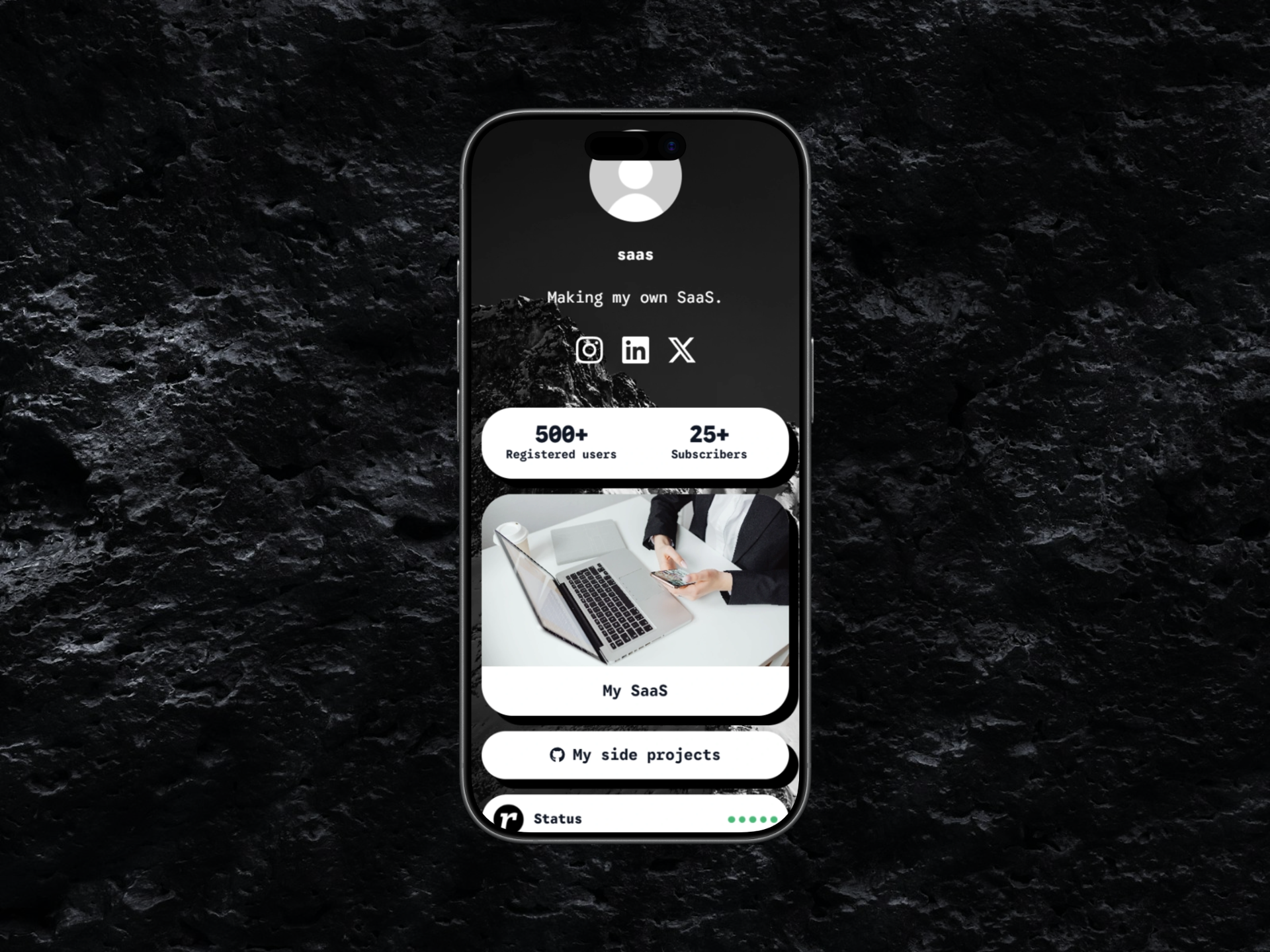
A rapid sequence of updates brings Features, Statistics, Logos, Comparison, and Skills modules, complete appearance control for Plus and Max users, and a..
Read article